Guide · Tree service
Facebook recommendations for tree services and other contractors: how to get them, reply to them, and what Meta allows

The short answer
A Facebook recommendation is a customer's Yes or No about your business, with their own words. Your Page may show no rating until it has at least five reviews; only public ones count. Turn recommendations on, send your Page link after a finished job (texts only with consent), never reward one, and reply in public.
Key takeaways
- No rating yet? A Page may have none before at least five reviews, and only public recommendations count.
- Check that recommendations are on, and think twice before you turn them off.
- Never offer a discount, gift card, drawing entry or free service for one.
- Ask when the yard is cleaned up, in one text with your Page link, the same words to everyone.
- Count calls and signed jobs from your Page, not only new recommendations.
Want us to find your three biggest lead leaks?
Free Growth DiagnosisWhat is a Facebook recommendation: a yes or no, tags and the customer's own words?
On your business Page, Facebook asks a customer if they recommend you. In Meta's words: "Click Yes to recommend the Page or No to not recommend it." Then they can "Write a recommendation." and "select any of the tags below (e.g. friendly staff, slow service)". The person picks who can see it: everyone, or a smaller audience. That choice matters for your rating.
A recommendation does not have to start on your Page. Meta says: "You can also recommend a business by commenting on a friend's post asking for recommendations or share a Page with friends." Those neighbor posts are their own topic; see how to answer a "who do you recommend?" post.
Meta also says: "we do not verify that users purchased the product or used the service". So a recommendation can come from someone who never hired you. If one looks fake, use the Facebook reporting steps in our fake reviews guide.
Why does your Page show no rating, or a rating that moves?
Meta explains the rating like this: "A Page's rating is based on the reviews and recommendations that people share about the business Page on Facebook." Three rules on the same page explain a missing rating:
- Five first. "a Page may not have a rating if it hasn't received at least five reviews".
- Public only. "Only recommendations that are shared publicly are included in a Page's overall rating."
- Spam comes out. "Any Page reviews that violate our spam policies will be removed to improve the quality and trustworthiness of Page ratings." And: "As a result, when spam reviews are removed, the rating of a Page may change."
Meta's page gives no more of the formula than that, so we don't guess at the rest.
What you can do: when you ask, add one plain line, once, as a choice: "If you're happy to, set it to Public so neighbors can see it."
How do you turn recommendations on, and what happens if you turn them off?
Meta's path, as read in November 2026: your profile photo → See all profiles → your Page → the Page's profile photo → Settings and privacy → Settings → Page and tagging. There, answer "Allow others to view and leave reviews on your Page?" Menus can change; if the path looks different, search the Help Center for "turn Recommendations on or off".
Meta's path
- 1Your profile photo
- 2See all profiles
- 3Your Page
- 4The Page's profile photo
- 5Settings and privacy
- 6Settings
- 7Page and tagging
Two lines on that page are worth knowing:
- "If your Page previously had reviews, Recommendations have been automatically turned on for your Page." Check yours before you start asking.
- Turning them on "lets anyone logged in to Facebook publish a Recommendation". Not only customers.
Turning them off is a big step: "Turning Recommendations off will disable Recommendations and remove the rating and reviews from your Page." Our fake reviews guide gives the same warning. We don't advise it over one bad recommendation: you lose every good one with it.
The rest of the Page set-up is in the Facebook Page section of our Facebook ads guide.
Discounts for a recommendation: what Meta, the FTC and popular guides say
Several popular guides on Facebook recommendations suggest a discount, coupon, freebie or gift card in return for one. We advise against it.
The FTC. The FTC's rule on consumer reviews, 16 CFR 465.4, says: "It is an unfair or deceptive act or practice and a violation of this part for a business to provide compensation" … "or other incentives in exchange for, or conditioned expressly or by implication on, the writing" … "creation of consumer reviews expressing a particular sentiment, whether positive or negative," … "regarding the product, service, or business that is the subject of the review." In our reading: under the FTC's 2024 review rule, a business may not give a reward in exchange for a positive (or negative) review. This is general information, not legal advice.
Meta's guidelines for a recommendation. Meta's help page lists what a recommendation should be: "Should focus on the product or service offered by the business." "Should base it on personal experience." "Shouldn't manage the Page for that business."
Meta's spam rules. They ban "Offering to provide anything of monetary value in exchange for engagement", with examples such as likes, shares and follows. Those rules do not name recommendations, so we don't claim they cover them.
Our rule. No discount, gift card, drawing entry or free service for a recommendation, ever. Not for a Yes, and not for "any honest one". This goes further than the FTC rule.
Staff and family who want to post for you raise a disclosure question; see our guide to customer reviews and endorsements in contractor ads. The Google side is in the rules section of our Google reviews guide.
Storm cleanup and removals next to a house: the tree-service moments to ask
Ask when the customer can see the result and the crew has cleaned up. For a tree service:
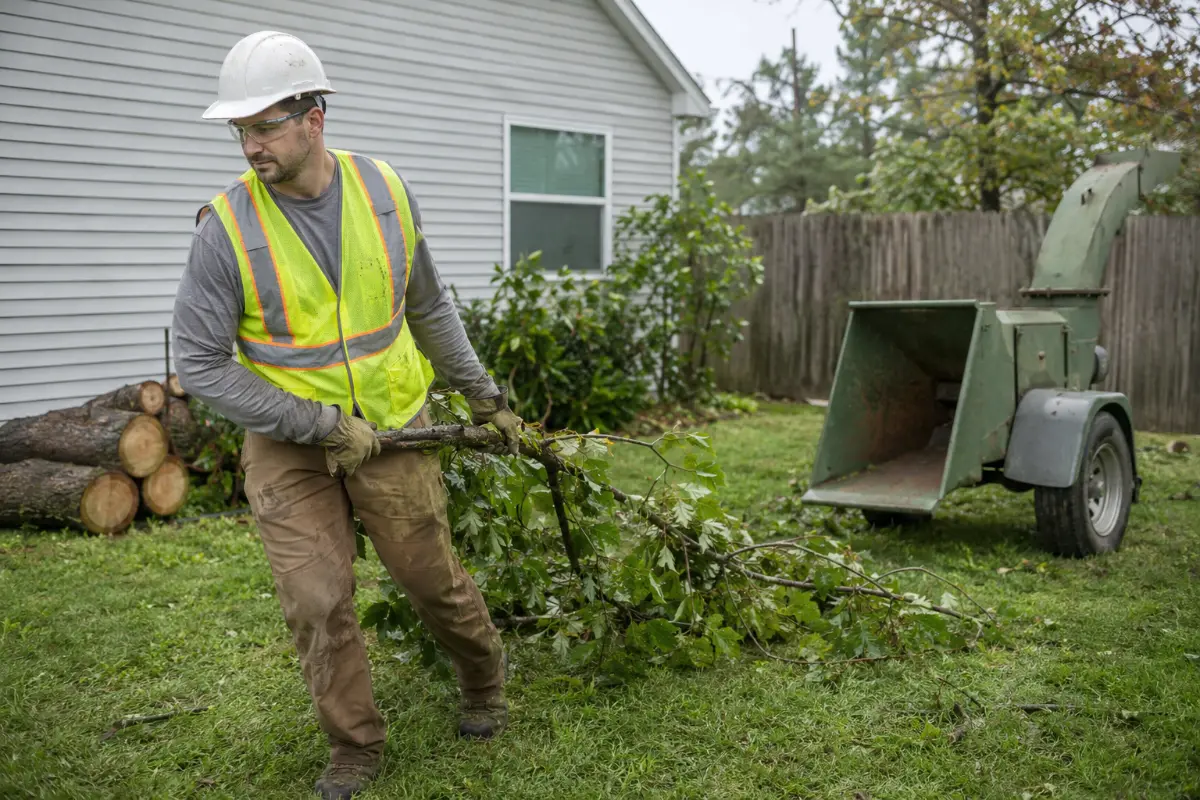
- Storm cleanup, when the last load is hauled and the yard is cleared.
- A removal next to the house, once the tree is down, nothing was damaged and the debris is gone.
- A big limb over the roof, when it is down and the customer is looking at a clear roofline.
- A stump ground and the area raked.
Not on the day of a quote, and not while an insurance claim on the job is still open. Wait until the claim is closed, so the ask never looks tied to it. The timing and wording of storm work are in our storm cleanup ads guide for tree services.
Roofers: after the final walk-around. Remodelers: at the final walkthrough.
What should the text with your Page link say?
One text, the same day, with a link that opens your Page's recommendations. Texts only with consent: only to customers who agreed to get texts from you (business texting may also need registration; see our 10DLC guide). No consent? Leave a printed card with a QR code for the Page link with the invoice.
Three rules:
- Same words to every customer. No picking only the jobs you think went well.
- No script for their words. Don't suggest what to write, which tags to pick or a Yes.
- One "Public" line, said as a choice.
For example, a tree service might send: "Hi [first name], thanks for having us out today to take down the oak by your garage. If you have a minute, we'd value your honest recommendation on our Facebook Page: [Page link]. It's a Yes or No and a few words. If you're happy to, set it to Public so neighbors can see it. Thanks, [your name], [company]."
The same method for Google (link, QR code) is in the asking section of our Google reviews guide; don't put two links in one text.
Answering a Yes and a No in public on your Page
A recommendation sits on your public Page, so the next homeowner reads your reply too. We found no Meta help page on replying; this is our method.
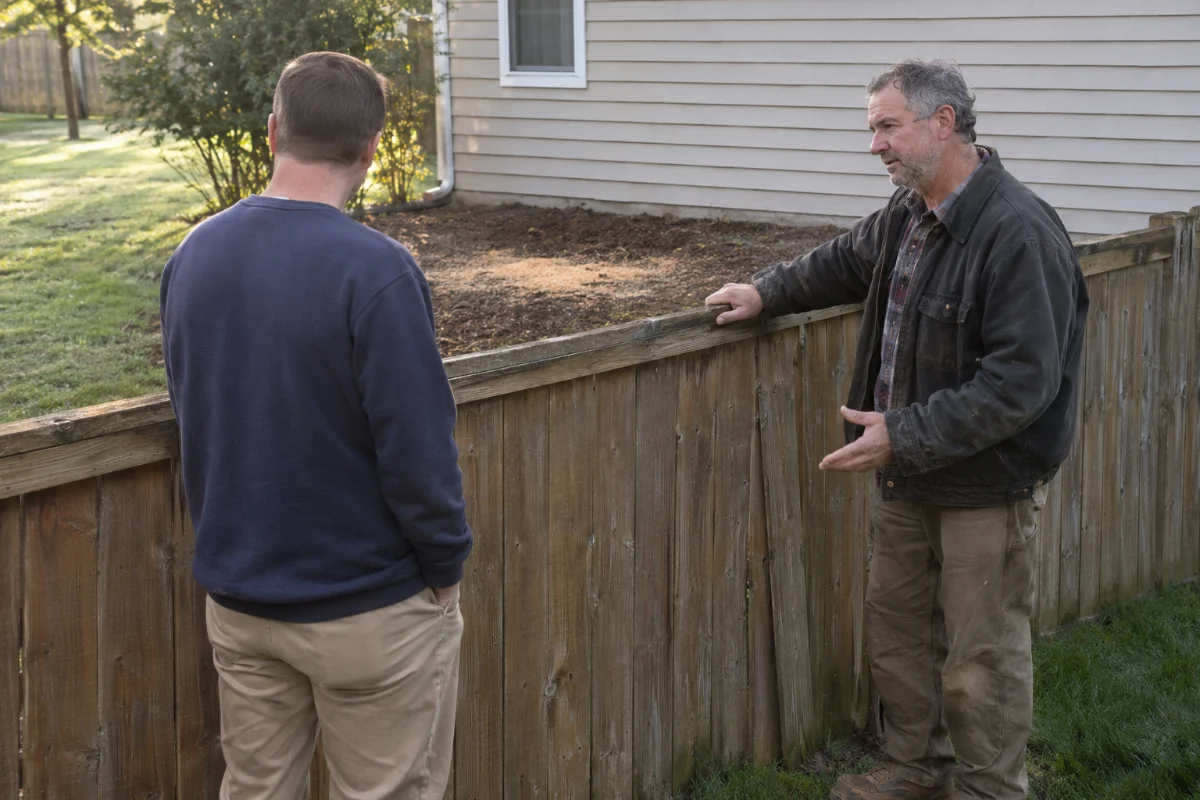
- Reply as the Page, not from your personal profile.
- A Yes: thank them in one or two lines. Name the job or the town only if the customer named it first. For example: "Thank you for trusting us with the oak over your garage."
- A No: one calm reply. Thank them, say you want to put it right and offer a call with the owner. No job details, no blame, no price, no address and never a discount.
- A No about damage after a removal next to the house: offer a site visit to look at it together. Keep any insurance or claim talk private.
A calm No reply can be short: "We're sorry to read this. We'd like to come out and look at it with you. Please call [owner's name] at [office number]." Then take it offline: one public reply is enough.
The same calm rules apply on Google; see how to reply to Google reviews. Complaints in local groups are in the complaint section of our Facebook groups guide. Fake ones: the reporting steps linked above.
Facebook recommendations next to Google reviews, Yelp and the BBB
- Google reviews show in Google search and Maps. Asking and replying there are in our Google reviews guide.
- Facebook recommendations are what people see when they check your Page, for example after your ad or a neighbor's post.
- Yelp: see how Yelp reviews work for contractors.
- The BBB: see whether BBB accreditation is worth it.
We make no claim about which counts more. To pick the link for a text, ask where the customer found you: Facebook, send the Page link; Google, the Google link.
How do you judge recommendations by calls and signed jobs from your Page?
Recommendations are not the goal; calls and signed jobs are. We make no claim that more recommendations bring more calls, so count both side by side:
- Add "Facebook Page" to your "where did you hear about us?" answers.
- Tag Page messages and calls from the Page's call button as their own lead source.
- Each month, note calls and signed jobs from the Page and new public recommendations.
| Month | New public recommendations | Calls and messages from the Page | Signed jobs from the Page |
|---|---|---|---|
| Month 1 | 2 | 9 | 3 |
| Month 2 | 4 | 7 | 2 |
| Month 3 | 1 | 11 | 4 |
| Month 4 | 3 | 12 | 5 |
Worked numbers in this guide show the method; they are not real client results. Here the month with the most new recommendations was not the month with the most calls, so judge by the calls and signed jobs. Look over several months, then work out each source's cost as in our cost per signed job guide.
If you run Facebook ads, your Page is one of the places a homeowner can check before calling; see what builds trust in a tree service ad.
Where Digital Hark fits
Digital Hark sets up the review-request text in your follow-up system (texts only with consent), the Page link and QR code on your thank-you page and invoice, and tracking for calls and messages from your Page. You or your office reply to recommendations. We are not affiliated with Meta. We never post or reply to recommendations, remove or report reviews, or contact reviewers, and we never call, text, book or sell for you. Some agencies sell this as reputation management; you can do it yourself in a few minutes a week.
Common questions
Why does my Facebook Page have recommendations but no rating?+
Meta says a Page may not have a rating if it hasn't received at least five reviews, and only recommendations shared publicly count toward it. A few friends-only recommendations can leave a Page with no rating.
Do recommendations shared with friends only count toward my rating?+
No. Meta's help page says only recommendations that are shared publicly are included in a Page's overall rating. When you ask, you can say: "If you're happy to, set it to Public so neighbors can see it."
Can I delete a bad recommendation from my Page?+
Meta's help pages give a report option for recommendations that don't follow its Community Standards, not a delete option. Meta also says: "Recommendations that only include a star rating can't be reported." Turning recommendations off removes the rating and all reviews. Most of the time, a calm public reply is the better step. The reporting steps are in the Facebook section of our fake reviews guide.
Can someone recommend my tree service without being a customer?+
Yes, it can happen. Meta says it does not verify that users purchased the product or used the service, and turning recommendations on lets anyone logged in to Facebook publish one. If one breaks Meta's standards, report it.
Should I turn recommendations off after a bad one?+
We don't advise it. Meta says turning them off removes the rating and reviews from your Page, so every good one goes too. Reply once, calmly, and offer a call.
Can my crew or family leave a recommendation for the company?+
Meta's guidelines say a recommendation should be based on personal experience, and the person "Shouldn't manage the Page for that business." So anyone who runs your Page should not post one. For crew and family, we advise they don't; disclosure rules are in our customer endorsements guide.