
Guide · Tree service
Storm cleanup ads for tree services: a before, during and after plan
A storm playbook for tree companies: what to set up before storm season, which ads to switch on when a storm hits, what Google's ad rules say about storms, and how to tell if the wave paid. Built from Google's own policy pages and a state attorney general's storm alert.
The short answer
Storm cleanup ads work when you build them before storm season and switch them on only for the areas and jobs your crews can handle. Lead with Google Search, Local Services Ads and an up-to-date Google Business Profile. Advertise the service, not the disaster, and judge each storm by cost per signed job.
Key takeaways
- Build the storm campaign, the landing page and the ad wording before the season, then keep them paused until a storm hits.
- Google Ads bans "using keywords related to a sensitive event to attempt to drive additional traffic" and services that exploit the event, "including price gouging".
- Raise budgets in steps, only as far as your crews can do the work. Narrow the area when you are booked out.
- Homeowners are told to avoid contractors who want full payment up front, take cash only or give no written contract. Make the opposite visible in your ads.
- Tag storm calls apart from planned work, and measure each storm by cost per signed job.
Want us to find your three biggest lead leaks?
Free Growth DiagnosisWhat are storm cleanup ads for a tree service?
Storm cleanup ads are the ads a tree company runs around a storm: before it, to get trees checked; during it, to answer urgent calls; and after it, to clear the cleanup work that is left. They are not one campaign. They are three kinds of jobs that need different ads:
| Job type | Typical request | Where it usually starts | When |
|---|---|---|---|
| Urgent | A tree on the house, the car or the driveway, a hanging limb over the roof | A Google search or a call | The first hours and days after the storm |
| Cleanup | Fallen limbs, split trees, debris and stump haul-away | Google, or a list of people who asked earlier | The days and weeks after |
| Prep | Dead limbs, trees leaning toward the house | Google, Facebook, past customers | Before storm season |
This guide is for tree service owners and managers who want those calls without overbooking their crews or breaking Google's ad rules. It covers Google Search, Google Local Services Ads and your Google Business Profile. Facebook gets one short section, because our guide to Facebook ads for tree services already covers it.
What should be ready before storm season?
When the storm hits, your crews are busy and nobody has time to write ads. Do this work in a quiet month:
Before storm season
- A storm landing page. One page for storm work in your service area. Ask the questions your estimators need: what the tree is doing (on the house, blocking the driveway, hanging), roughly how tall it is, how close it is to the house, and a photo upload. Show real photos of your crews and trucks.
- A storm Search campaign, built and paused. Service-plus-place keywords such as "emergency tree removal [city]", "fallen tree removal" and "tree on house removal", with your service area set and the ads written. A paused campaign costs nothing and can go live in minutes.
- Your Local Services Ads profile verified. Google lists tree services as an eligible category for Local Services Ads, and you need to pass Google's verification checks first. Do it long before you need it.
- Your Google Business Profile up to date. Correct service area, phone number and hours, plus recent photos of your own work. If you run extended or 24-hour crews during storms, plan how you will update your hours.
- Ad wording approved in advance. Write the storm ads now, check them against Google's policy (next section), and save them in the paused campaign.
- A reply text ready. A short automatic reply that confirms you got the request and says what happens next (texts only with consent).
- A capacity rule. Write down how many storm jobs each crew can do in a day, and who decides when you stop taking new ones.
- Trust papers ready to send. Your insurance certificate and a written estimate template, ready to email the same day.
If you work on the Gulf or East Coast, plan around hurricane season: the Atlantic season runs from June 1 to November 30. Inland, watch your local forecast. The National Weather Service says that "when winds are sustained at 40-50 mph, isolated wind damage is possible." A forecast like that is your cue to check the paused campaign, the phone cover and the crew schedule.
What do Google's ad rules say about storms?
Google Ads has a "Sensitive events" policy. Google says a sensitive event includes "civil emergencies, natural disasters, public health emergencies, terrorism and related activities, conflict, or mass acts of violence."
Among the things Google Ads does not allow during such an event:
- "Products or services that exploit, dismiss, or condone the Sensitive Event, including price gouging or artificially inflating prices"
- "Using keywords related to a sensitive event to attempt to drive additional traffic"
On enforcement, Google says: "Violations of this policy won't lead to immediate account suspension without prior warning. Google will issue a warning at least 7 days before suspending your account."
The policy page does not say anything special about repair or relief companies. We did not find an exception for tree services, so do not assume one.
Our reading, in plain words: advertise the service, not the disaster.
- Use keywords for the work: "fallen tree removal", "emergency tree removal [city]", "tree on house removal".
- Do not add the storm's or hurricane's name, or terms about the disaster itself, as keywords or in the ad text to pull extra traffic.
- Do not raise your prices because demand is high, and do not suggest in an ad that you do.
- Google decides what counts as a sensitive event and can change the policy. Read the current policy page before each season.
State law matters too. When Georgia declared a State of Emergency for all 159 counties on January 22, 2026, the state's consumer protection office said this "invokes the Price Gouging Statute" for goods and services needed for preparation, response and recovery. Other states have their own rules. Ask your attorney what applies where you work.
This is our reading of public pages, not legal advice. Check the current Google policy and your state's rules before you run storm ads.
Which ads do you turn on when a storm hits, and in what order?
Turn on the channels where urgent calls start, and only for the areas your crews can reach:
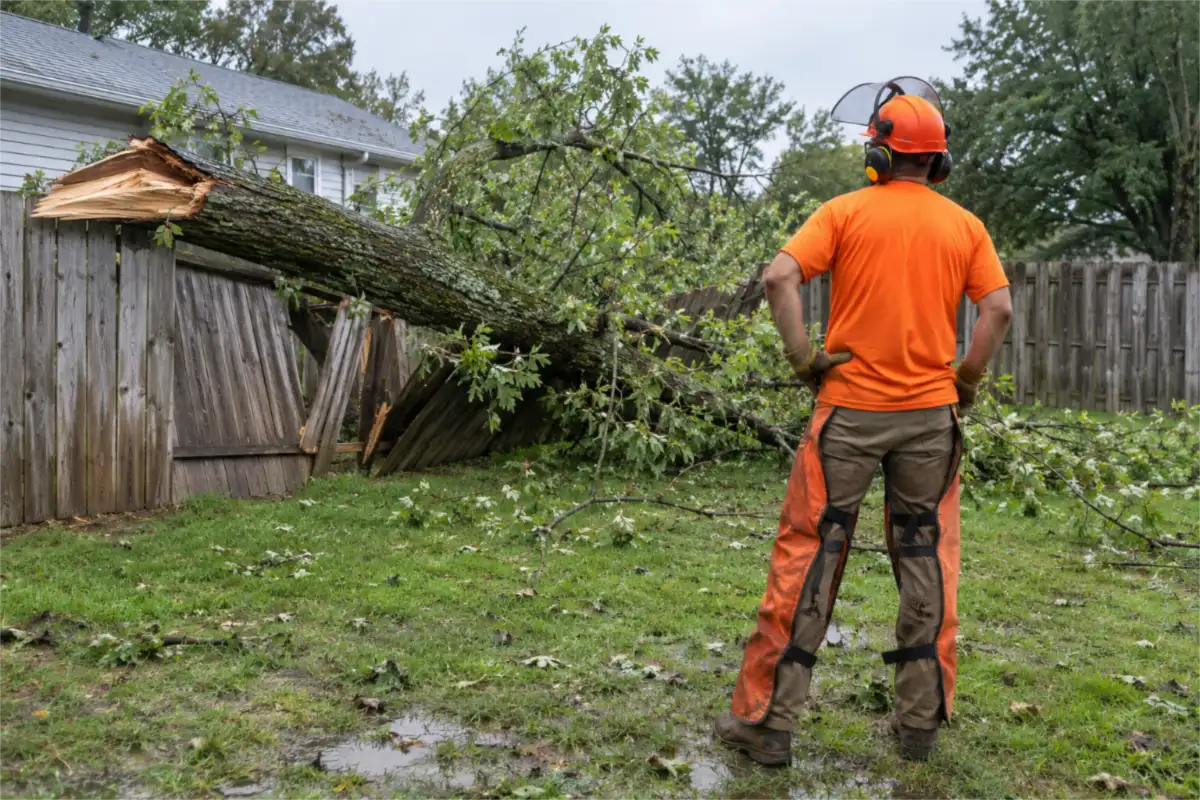
- Google Search. Switch on the paused storm campaign. Keep it to your real service area, and use call ads or a click-to-call button where they fit, because a homeowner with a tree on the house may want to talk to someone now. Check the search terms report every day so the ads show for tree work and not for unrelated storm searches.
- Local Services Ads. If you have a verified profile, check that it is on and that the service area matches where your crews can work this week. Google says you pay for each valid lead, within a monthly maximum you set, and in the US you can dispute a lead that is not valid.
- Google Business Profile. Confirm your hours and phone number, add a short update that you are taking storm calls in your area, and keep answering calls that come from your profile.
What about Facebook and Instagram? For urgent storm calls, Google Search, Local Services Ads and a phone that gets answered come first. Facebook belongs before and after the wave. Our guide to Facebook ads for tree services covers when to run it, what to show and which form to use.
How do you write storm ads homeowners trust?
After a storm, homeowners are warned about "storm chasers". Georgia's January 23, 2026 alert said storm chasers may ask for up-front payments and disappear, and that "scammers may charge exorbitant prices for tree removal." The National Association of Landscape Professionals has written about companies "chasing storms for the 'quick money'" too.
The same alert tells homeowners what to look for. Each warning is a trust signal you can show:
| What homeowners are told | What your ad or page can show (only if it is true) |
|---|---|
| "Steer clear of any contractor who asks for full payment up-front, only accepts payment in cash, or refuses to provide you with a written contract." | "Written estimate before we start." Your payment terms and the ways people can pay. |
| "Avoid door-to-door offers for home repair work." | A local address, a company phone number, and how long you have worked in the area. |
| Be wary of contractors who offer to pay the insurance deductible. | No deductible offers. Ever. See how to word tree service ads about insurance claims. |
| Check references and the Better Business Bureau. | Your Google reviews, and your BBB profile if you have one. |
| Legitimate contractors provide a business license, general liability and workers' compensation insurance, and written warranties. | "Fully insured. Certificate sent on request." Your license number, if your state or city licenses tree work. |
One note on licenses: in Georgia, the alert says "tree removal services … are not required to be licensed by the state." So only show a license number where one really exists, and lead with insurance and a written estimate.
Lines you can adapt (put in only what is true for your company):
- "Tree on your house or driveway? Local, insured crew. Written estimate before any work."
- "Fallen tree removal in [your service area]. Insurance certificate sent on request."
- "Hanging limb over your roof? Send a photo and get a written estimate."
- "Storm cleanup and debris haul-away. Serving [towns] since [year]."
- "Real crews, real trucks, a local phone number. No full payment up front."
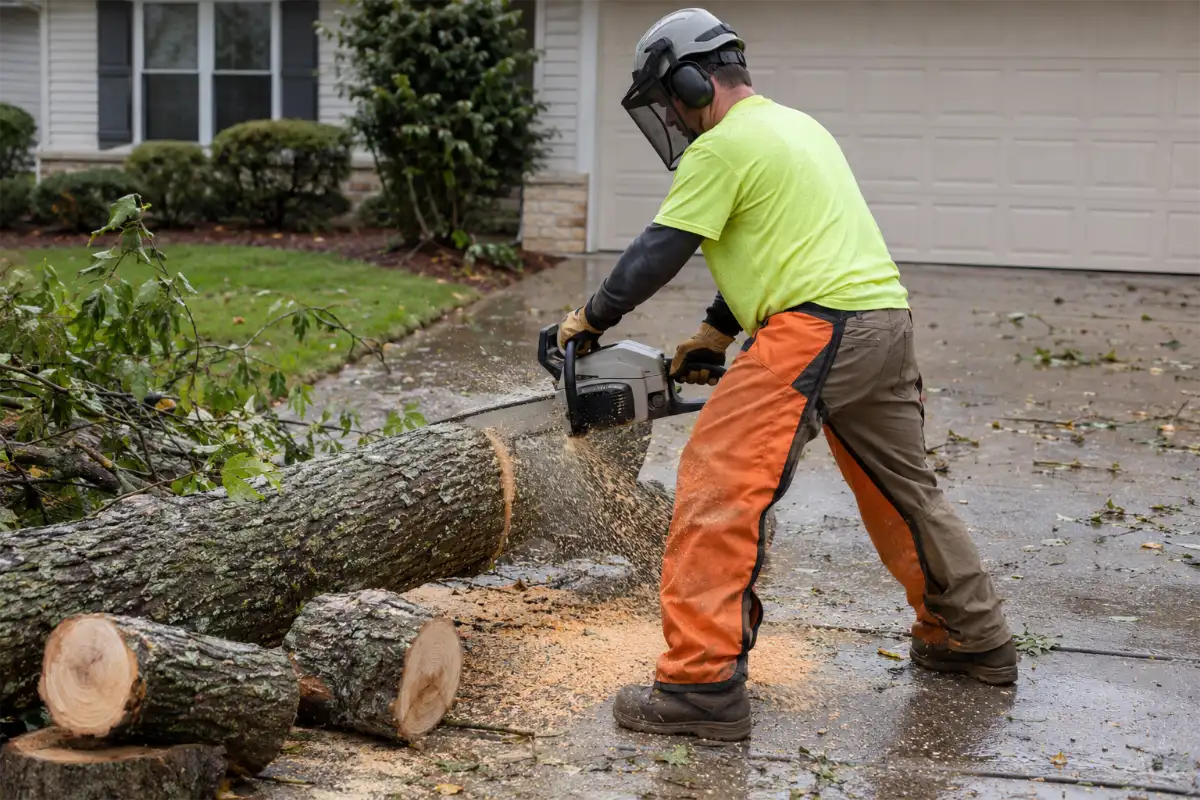
What to leave out: the storm's name, fear wording ("before it kills someone"), "free" offers tied to the disaster, anything about government aid, and any offer to cover a deductible.
How much should you spend, and how do you stop overbooking?
There is no right storm budget in dollars. The limit is your crews. Ads that bring more calls than you can answer cost money and leave homeowners waiting. Set the budget from capacity instead:
- Start from crew capacity. How many storm jobs can your crews finish in the next few days? That number is your target.
- Work back to calls. Not every call becomes a job. Use your own past share of calls that turned into signed jobs. If one in three usually signs and your crews can take 15 jobs this week, you need about 45 good calls, not 200.
- Raise caps in steps. Raise the daily budget in steps and check calls against capacity each time. Raise it again only when calls fall short and crews are free.
- Narrow the area before you cut the ads. When you are booked out, shrink the service area to the towns closest to your yard, then cut the budget.
- Turn down when the wave passes. When calls fall back to normal, pause the storm campaign and go back to your everyday campaigns.
Keep storm spend in its own campaign, apart from your everyday ads. Then a storm does not throw off the numbers you use the rest of the year, and you can see exactly what each storm cost. Clearing work gets the same treatment: our guide to lot and brush clearing ads gives it its own ad groups and landing page.
How do you handle the call wave?
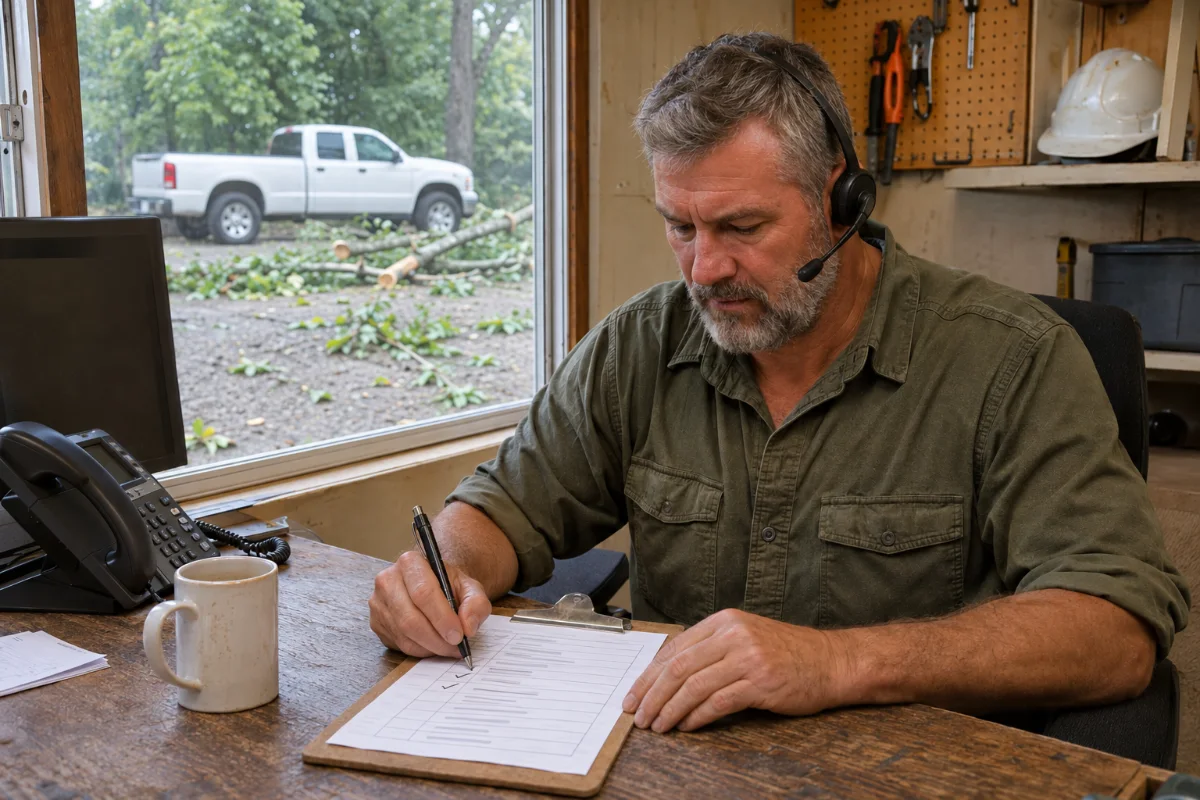
A storm can bring many calls at once. A fast first reply and a clear next step give you the best chance at each job.
- Instant reply. Every form and missed call gets the reply text you prepared (texts only with consent): "Got your request. Our team will call you back today. If you can, send a photo of the tree."
- Three triage questions. Is the tree on the house, a car or the driveway, or is it in the yard? Is anyone hurt, or is a power line involved? Can you send a photo?
- Callback order. Your team calls back danger first: trees on houses, people or blocked access, then hanging limbs, then yard cleanup. NALP quotes tree companies that keep 24-hour on-call crews, dispatch the morning after a storm and give priority to essential services. Your crew leads follow your company's own safety rules for anything near lines.
- A follow-up list. Cleanup jobs you cannot reach this week go on a list with the date. Call them back when crews free up, so the work does not go to the next company.
The callbacks, estimates and signed jobs are your team's work. Our guide to speed to lead shows how to set up a fast first reply.
Did the storm ads pay?
Measure each storm on its own. Use one number: cost per signed job.
- Tag storm calls separately. Give the storm campaign its own call tracking, and mark every storm lead in your CRM with the source and the storm date.
- Add up storm spend. Google Search spend plus Local Services Ads leads for the storm days.
- Count signed storm jobs. Only jobs signed from storm leads.
- Divide. Storm spend ÷ signed storm jobs = cost per signed job for that storm. Compare it with your profit per job.
Worked numbers in this guide show the method; they are not real client results.
| Storm wave | Storm ad spend (our input) | Storm calls (our input) | Signed jobs (our input) | Cost per signed job | What it means |
|---|---|---|---|---|---|
| Days 1–4, crews free | $2,700 | 45 | 15 | $180 | Good, if your profit per job is well above $180. |
| Days 5–7, crews booked 10 days out | $1,200 | 20 | 3 | $400 | In these numbers, few homeowners would wait 10 days. Narrow the area or pause sooner. |
The call wave: cost per signed job
The second row is the lesson most storms teach: the ads kept running after the crews were full. Calls still came in, but few homeowners would wait, so each signed job cost more than twice as much. Our guide to cost per signed job shows how to set up the tracking for every lead source.
Roofers face the same storm math. Our sister guide on hail storm marketing for roofers in Texas covers their side.
Where does Digital Hark fit?
Digital Hark builds this kind of system for tree service companies: Google Search campaigns in your own Google Ads account, including a paused storm campaign, a storm landing page, call and lead tracking, instant replies (texts only with consent) and a CRM with a follow-up list. We never call your leads or sell jobs for you. Your team calls the homeowners, gives the estimates and signs the jobs. You own every ad account, page and lead.
For one tree-care company: 588 leads → 58 won jobs. Every $1 spent on ads came back as over $10 in won jobs. This is not a storm-campaign result. Every business is different; we don't promise results.
For the wider picture, see our page on tree service marketing. If you are still paying lead sites for most of your work, our guide on storm readiness and owning your leads compares shared leads with your own.
Common questions
Should a tree service run Google ads right after a storm?+
Yes, if your crews can take the work. Switch on a storm Search campaign you built in advance, keep it to your real service area, and check calls against crew capacity every day. When you are booked out, narrow the area or pause.
Can I mention the storm or hurricane name in my ads?+
We advise against it. Google Ads does not allow "using keywords related to a sensitive event to attempt to drive additional traffic." Advertise the service, such as fallen tree removal in your area, not the disaster. This is our reading of the policy, not legal advice; check the current policy page.
How much should I raise my ad budget after a storm?+
Only as far as your crews can do the work. Start from how many storm jobs you can finish, work back to the calls you need using your own call-to-job rate, and raise the daily budget in steps. Pause when the wave passes.
Do Local Services Ads work for storm tree work?+
They can. Google lists tree services as an eligible category, and you pay for each valid lead within a monthly maximum you set. You must pass Google's verification first, so set it up before storm season, and keep the service area to where your crews can work.
How do I know if my storm ads paid off?+
Tag storm calls apart from your planned work, add up what the storm ads cost, and count only the jobs signed from storm leads. Storm spend divided by signed storm jobs is your cost per signed job for that storm. Compare it with your profit per job.
How do I stand out from storm chasers?+
Show what homeowners are told to look for: a written estimate before work starts, no full payment up front, more than one way to pay, proof of insurance, a local address and phone number, and real photos of your crews. Never offer to cover a deductible.


