
Guide · Local
Google Business Profile for tree services: set-up, storm hours and rules
For tree service owners: how to set up a Google Business Profile that fits the way a tree company really works, from a yard nobody visits to crews that run long days after a storm. Every Google rule is quoted from Google's help pages.
The short answer
A tree company's Google Business Profile must handle storm weeks: set special hours for storm days (up to 6 days in a row) and mark it Temporarily closed only if you close for 7 days or more. Hide the yard address customers never visit, use the name on your trucks, and list removals, trimming and stump grinding in Services.
Key takeaways
- A tree company that works at the customer's property should hide its address. Google says: "If you're a service-area business, you should hide your business address from customers."
- Service areas are cities, ZIP codes or areas, up to 20, never a radius.
- Pick a main category that says what the business is. Removals, trimming, stump grinding and storm cleanup belong in Services.
- For storm days use special hours, which cover "up to 6 days in a row". Mark the profile Temporarily closed only if you shut for 7 days or more.
- If Google suspends the profile, do not open a new one. Fix the cause and appeal once.
Want us to find your three biggest lead leaks?
Free Growth DiagnosisWhy does a Google Business Profile matter so much for a tree company?
When a limb comes down on a garage, the homeowner does not compare ten websites. They search on their phone, look at the map results, and call someone who looks real and close. Your Google Business Profile is the free listing that puts your tree company in those results, with your phone number, your reviews and photos of your crews at work.
Calls from the profile are also your own leads: nobody else is sent that homeowner, unlike a marketplace request. Our guide to tree service leads, shared vs your own explains why that matters for your cost per job.
Google says local results depend on relevance, distance and prominence, and that "There's no way to request or pay for a better local ranking on Google." So the job is plain: set the profile up inside Google's rules, keep it accurate, and keep adding real work to it. For where the profile fits among your other channels, see digital marketing for contractors.
What are the set-up steps for a tree company's profile?
- Claim or create the profile with a Google account the owner controls. Search Google Maps for your company first; if a listing already exists, claim it instead of adding a new one.
- Type the name exactly as it is on your trucks and invoices. Nothing added.
- Choose the main category that says what the company is (for most tree companies, "Tree service").
- Hide the yard or home address and add service areas, unless customers really visit a staffed office.
- Use a phone line your company controls, one that rings your office or crew lead.
- Add your website and your regular hours.
- List every tree job in Services: removal, trimming and pruning, stump grinding, storm cleanup, and crane work or land clearing if you do them.
- Verify with the method Google gives you.
- Add photos of your own crews, trucks and finished jobs.
The sections below take the steps where tree companies most often slip.
Should a tree company show its yard address on Google?
Usually not. Most tree companies run from a yard, a shop or the owner's home, and customers never come there; the crew goes to the customer. Google's guidelines use a plumber working from home as their example and say to "clear the address from your Business Profile." A tree company in the same position does the same.
To hide it, Google's steps are: Edit profile → Location → Edit next to "Business location" → turn off "Show business address to customers" → Save. Google adds that you should hide the address only "if your business is a service-area business."
Three cases tree owners ask about:
- You have an office where customers really come in. Then you are a hybrid business. Google says these businesses "can show their storefront address and designate a service area on their Business Profile." The office must be staffed during the hours you list.
- You want to use a rented mailbox or a virtual office in a better town. Not allowed. Google says a virtual office "isn't eligible for a Business Profile," and service-area businesses "can't list a "virtual" office unless that office is staffed during business hours." P.O. boxes and remote mailboxes are not accepted either.
- You run a second yard with its own crew. Google says "There should only be one profile per business" and a service-area business has "one profile for the whole area that they serve." A second profile only makes sense for a real, staffed second location, not for a parking spot for one truck.
Do towns from far-off storm jobs belong in a tree service's area?
Google's service-area rules, quoted:
- "You can set up to 20 service areas based on the cities, postal codes, or other areas you serve."
- "You can't set your service area as a radius distance around your business."
- "The boundaries of your overall area shouldn't be more than about 2 hours of driving time from where your business is based."
- "If approved, service area edits may take up to 48 hours to show on your Business Profile."
If you leave the area blank, Google says "a local area is chosen for you." Google also allows that "For some businesses, larger service areas may be appropriate." For most tree crews, though, the honest area is the towns they drive to every week.
For example, a made-up tree company based in a made-up town called Maple Fork works in 14 nearby towns and 6 ZIP codes on the edge of the city. That is 20 entries, all within an hour's drive. Worked numbers in this guide show the method; they are not real client results.
20 service areas, no radius
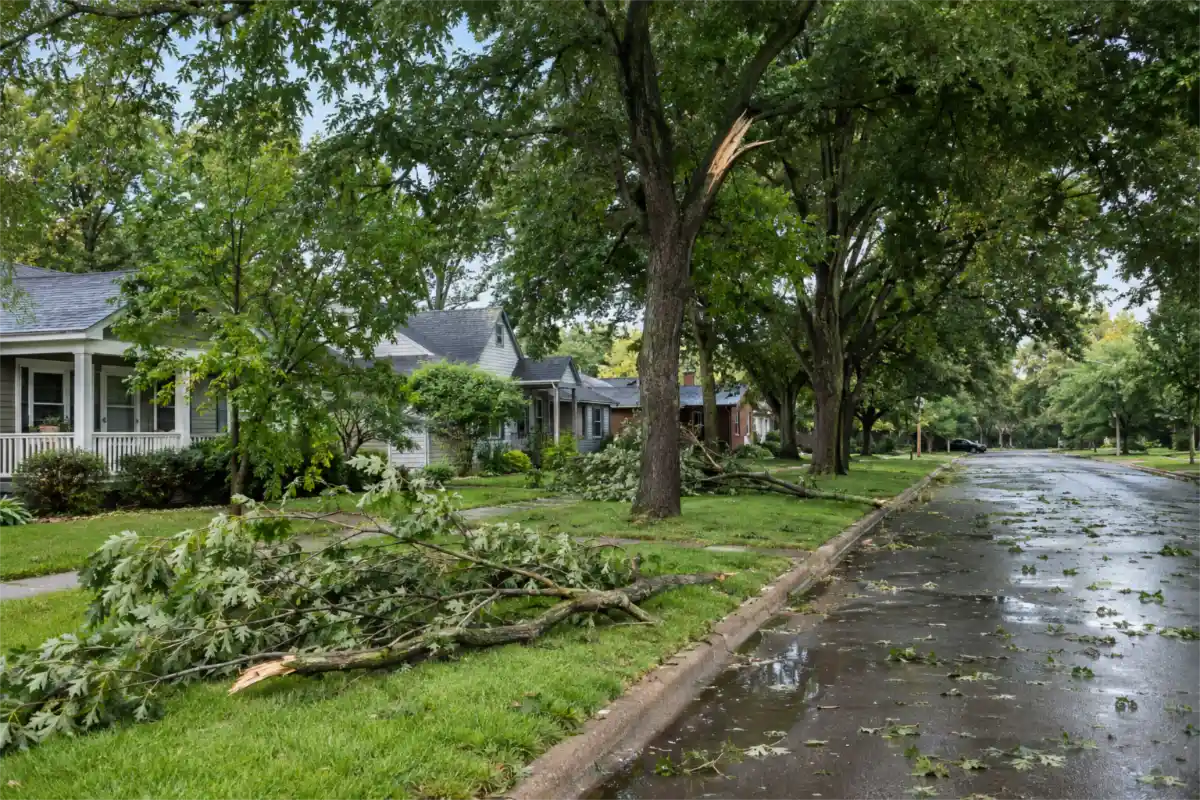
Storm work far away does not change the profile. If you send a crew to a hurricane cleanup four hours away for two weeks, do not add that town to your service areas. The profile describes where your business is based and normally works. For how to plan the storm ads themselves, see our guide to storm cleanup ads for tree services.
Which categories and services fit a tree company?
Google gives one simple test: "Select categories that complete the statement: "This business IS a" rather than "this business HAS a."" A tree company IS a tree service. It HAS a stump grinder, a bucket truck and maybe a certified arborist, but those are not what the business is.
What Google says about categories:
- "Select a primary category that best describes your business." · "You can't create your own category."
- "Use as few categories as possible to describe your overall core business from the provided list."
- "Do not use categories solely as keywords or to describe attributes of your business."
- "The categories you select affect your local ranking on Google."
- "If you add or edit an existing category, you might be asked to verify your business again."
Google does not publish its full category list. Most tree companies use the "Tree service" category as the main one. Add a second category only if it describes a real part of your business and it appears in Google's category picker, for example an arborist or stump removal category if you truly run that as its own line of work.
Should "Arborist" be the main category? Use Google's test, not opinion. If your company is mainly a consulting arborist practice (tree risk reports, health plans), an arborist category may describe it best. If you are a tree company with arborists on the crew, "Tree service" describes what the business is.
Services hold the jobs. Google says: "When adding services, you can choose from suggested options tailored to your business type," and "You can also create and add custom services options." Add each tree job you really sell: tree removal, tree trimming and pruning, stump grinding, storm cleanup, crane tree removal, land clearing, emergency tree removal if you answer those calls. Keep the names clean: Google says "Custom services that violate policy will be automatically rejected" and asks you to avoid "profanity, gibberish, personal information, prices, or phone numbers in custom service names." Only list land clearing if you do it; our clearing guide shows how to sell it.
Can a tree company add "24/7" or a city to its name on Google?
Only the name customers already know you by. Google says the name "should reflect your business's real-world name, as used consistently on your storefront, website, stationery, and as known to customers," and warns that "Including unnecessary information in your business name isn't permitted, and could result in the suspension of your Business Profile."
Google's guidelines do not allow these in the name:
- Marketing taglines
- Hours information
- Phone numbers or URLs
- "Service or product information"
- "Location information"
- Words in all capitals, special characters or irrelevant legal terms
For example, a made-up company called "Cedar Hollow Tree Care" puts "Cedar Hollow Tree Care" on the profile. "Cedar Hollow Tree Care – Tree Removal Dallas 24/7" adds a service, a city and hours information, three things Google's list rules out. If you want "tree removal" in front of searchers, list it in Services and show it in your photos and reviews, not in the name.
How do you show storm hours, winter hours and closures?
This is where a tree company differs most from other trades. Storm weeks bring long days; some winters bring quiet weeks. Google has a rule for each.
Regular hours. Google says: "Provide your regular customer-facing hours of operation," and "If applicable, you may use your current seasonal hours as your regular hours."
Storm days = special hours. Google says: "You can set special hours if your business temporarily adjusts its hours of operation or remains closed for up to 6 days in a row." Google's steps: "Select Edit profile > Hours." → "next to "Special hours," select Edit" → "Add a date" → "Select Save." Two details:
- "For special hours to show up on your Business Profile, set your business hours to "Open with main hours.""
- "A set of special hours can't exceed 24 hours."
For example, a storm hits on a Monday night. Your office answers from 6 a.m. to 10 p.m. Tuesday through Sunday, then goes back to normal. That is six days of special hours; your regular hours stay as they are. If storm work keeps going, add the next days as you know them. Change your regular hours only if your normal week has really changed for the season.
Closures = Temporarily closed, only for long ones. Google says: "If your business is closed for 7 or more days in a row, or will be closed for an unknown period of time, you should mark your business as Temporarily closed." A three-day shutdown for a family event is special hours, not Temporarily closed.
Winter. Many tree companies stay open in winter for dormant-season pruning, so they keep regular hours. If your company truly shuts for the off-season, Google's seasonal rules apply: "During off-season, you can mark your business as temporarily closed," and "Set your regular business hours when your business reopens."
Tell people you are taking storm calls. Add an Update post (see the next section) saying you are taking storm calls in your service area and how to reach you. Keep it about your service, not about the disaster. The storm ad plan, Google's ad rules and the call wave are covered in our guide to storm cleanup ads for tree services.
What should a tree service post on its profile?
Posts are short announcements that show on your profile in Search and Maps. Google lists three types: "Updates: Share info about your business." · "Offers: Provide promotional sales or deals from your business." · "Events: Promote an event at your business."
Rules worth knowing before you post:
- "Posts older than 6 months are archived unless a date range is set."
- "Posts that include a phone number in the post description might get rejected if they cannot be verified as being connected to the business on which they are posted."
- Google reviews each post against its content policy, and a post can show as Live, Pending or Not approved. You can schedule posts and repeat them.
Google does not say how often to post or that posts change your ranking. Our advice: post when you have something real to show, such as a finished removal, a new piece of equipment or a change in hours. Ideas that follow the tree year:
- Winter: dormant-season pruning openings
- Spring: planned removals and stump grinding
- Summer: storm-ready checks for limbs over the house (see where to offer tree cabling and bracing)
- Fall: storm and leaf-season cleanup, early winter bookings
For when each season's work peaks and why, see our tree year planner.
Which photos and reviews help a tree company's profile?
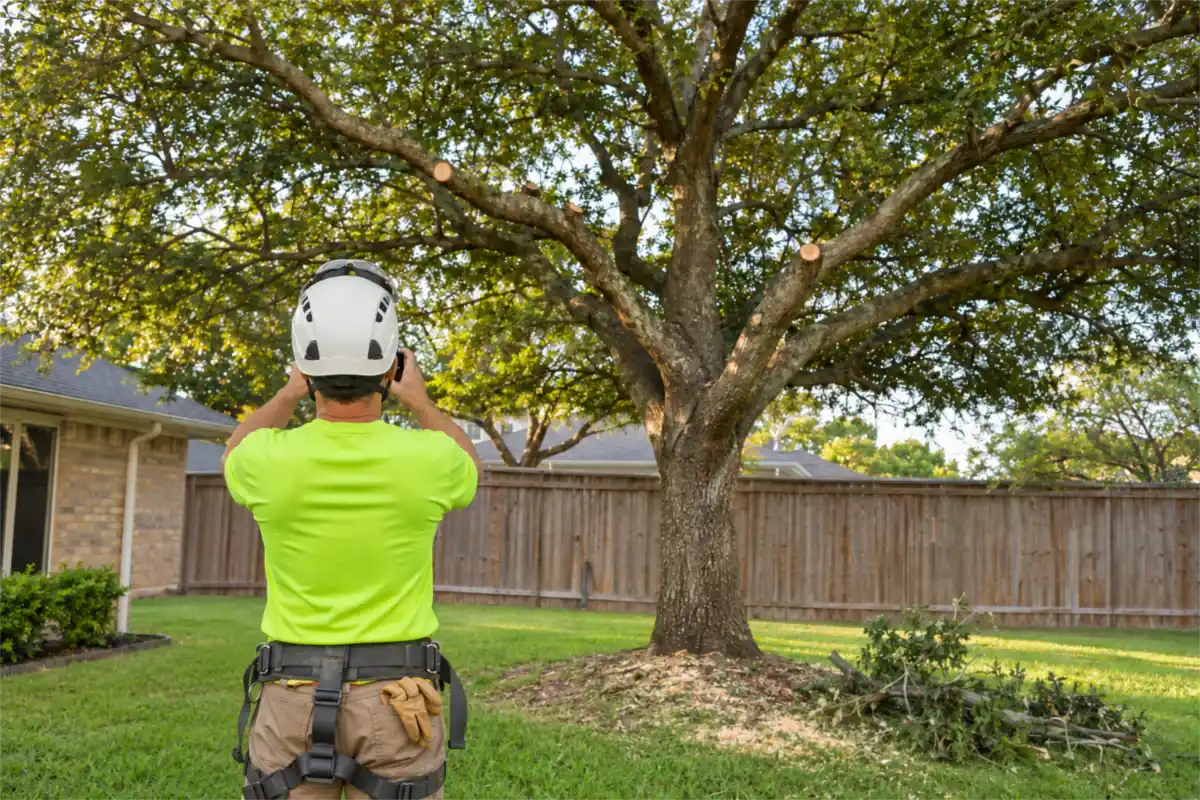
Photos. Use your own: crews roped in on a big oak, the chipper at the curb, a clean yard after a stump is ground out, your lettered truck. Real job photos show homeowners you are local and equipped. Skip stock photos, and never use AI-made people as your crew.
Reviews. Google counts how many reviews you have as part of prominence. Ask each happy customer for an honest review right after the job and reply to every one, good or bad. Never pay or reward people for reviews, and do not ask customers to put service words or town names in their review; let them describe the job in their own words. Our guide to Google reviews for contractors covers when to ask and what is allowed.
Fake review about you? See our guide to fake Google reviews: how to report, appeal and reply.
If Google offers video verification, what should a tree crew film, from truck to yard?
Google chooses the method, and it can be phone or text, email, a video recording, a live video call or a postcard. What Google says:
- "Verification methods are automatically determined by Google and can't be changed."
- "In some cases, you may need to verify your business with more than one method."
- "If your business is eligible for video verification, we recommend that you use this option."
- For a postcard: "Most codes arrive within 14 days," and "Verification codes expire after 30 days."
- After you submit: "verification reviews take up to 5 business days."
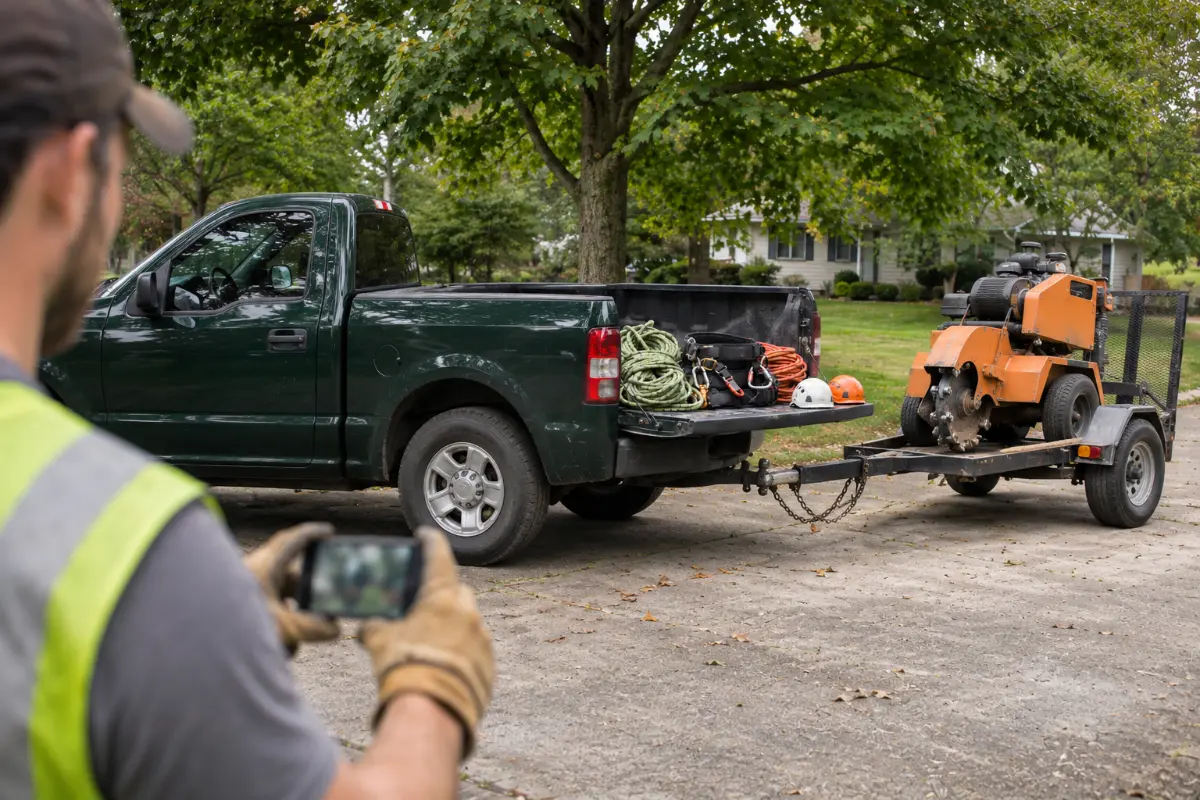
What a tree crew can film. Google does not publish a tree checklist, so take these as examples of things that show the business is real and that you run it: your truck with the business name on the door, the chipper or stump grinder, climbing and safety gear, your yard or staffed office, and business papers that match the name on the profile, such as an insurance certificate or, where your state requires one, a license. This is general guidance, not legal advice.
What a tree crew can film
- Your truck with the business name on the door
- The chipper or stump grinder
- Climbing and safety gear
- Your yard or staffed office
- Business papers that match the name on the profile
What gets a tree service profile suspended, and what then?
Google says it "reserves the right to suspend access to Business Profiles … to individuals or businesses that violate these guidelines." These are the mistakes tree companies make most:
| Mistake | Google's rule |
|---|---|
| "Tree Removal" or a city added to the name | Extra information in the name "could result in the suspension of your Business Profile." |
| A rented mailbox or virtual office as the address | A virtual office "isn't eligible for a Business Profile." |
| One profile per town you work in | "Service-area businesses can only have one profile for the whole area that they serve." |
| A service area set far wider than you work | Your area "shouldn't be more than about 2 hours of driving time from where your business is based." |
| A lead seller's phone number on the profile | "The phone number must be under the direct control of the business." |
| Fake or paid reviews | "Fake engagement is not allowed and will be removed." |
If it happens: do not open a new profile; Google says "Do not create a new Business Profile for the same business." Fix whatever breaks a rule, gather papers that show the business name and address, and send one careful appeal, because Google says "Appeals can only be submitted once." The full appeal steps, including what to do if your whole Google account is restricted, are in our guide to Google Business Profile for roofers; the rules are the same for tree companies.
In a September 2024 news story, NBC4 Washington reported that a Virginia tree company's profile had been disabled and three appeals were denied. After the station contacted Google, Google reinstated the profile without giving a reason. That is one case, not a pattern, and nobody can promise how Google will rule on yours.
Once the profile is live, what keeps it working?
- Thinking about Local Services Ads? They are a separate Google product with their own checks; our guide to Google Ads for tree service companies covers how they work for tree companies.
- Track the profile as a lead source. Count the calls and form requests that come from it and the jobs you sign from them. Our guide to cost per signed job shows how to compare it with Facebook, Google ads and lead sites. For the jobs that fit Facebook better than Google, see Facebook ads for tree services.
- Do a short monthly check:
- ☐ Name still matches your trucks and invoices, nothing added
- ☐ Main category still "Tree service" (or the one that says what you are)
- ☐ Service areas match where crews really go (20 or fewer, no radius)
- ☐ Address hidden if customers never visit
- ☐ Regular hours right; special hours set for any storm days or holidays coming up
- ☐ Phone rings your office or crew lead
- ☐ Services list matches the jobs you sell now
- ☐ New job photos added and new reviews answered
Digital Hark builds growth systems for home-service contractors, including tree service companies: ads in your own accounts, ad videos and images, landing pages, tracking, fast replies (texts only with consent) and a CRM with a follow-up plan. We never call your leads or sell jobs for you; your team does that, and you own every account, page and lead. More on our tree service page: how we work with tree companies.
Common questions
What Google Business Profile category should a tree service use?+
Most tree companies use the "Tree service" category as the main one. Use Google's test: pick what the business is, not what it has. Add a second category only if it is a real part of the business and it appears in Google's category picker. Put removals, trimming and stump grinding in Services.
Can a tree company mark its profile closed for the winter?+
Only if it truly shuts for the off-season. Google says "During off-season, you can mark your business as temporarily closed," and "Set your regular business hours when your business reopens." Many tree companies stay open in winter for dormant-season pruning, so they keep their regular hours.
Can a tree company have a profile for each town it works in?+
No. Google says service-area businesses "can only have one profile for the whole area that they serve." Add the towns as service areas instead. A second profile fits only a real, staffed second location.
How do I show storm or emergency hours on my tree service profile?+
Use special hours. Google says you can set them if you change your hours or close "for up to 6 days in a row." Your regular hours must be set to "Open with main hours" for them to show. Mark the profile Temporarily closed only if you are closed for 7 days or more.
Does adding "tree removal" to my business name help on Google?+
It breaks Google's rules. Google says extra information in the name "could result in the suspension of your Business Profile." Use your real name and list tree removal in Services. Selling replacement trees too? See how to market tree planting as a service.
What should I do if my tree service profile is suspended?+
Do not create a new profile. Fix what breaks a rule, gather papers that match your business name and address, and appeal through Google's appeals tool. Google says appeals "can only be submitted once," so make the first one complete.


