
Guide · Local
Google Business Profile for roofers: set-up, categories and suspensions
How to set up a roofing Google Business Profile by Google's own rules: the name, the category, the service area, verification, and what to do if Google suspends it. Every rule is quoted from Google's help pages.
The short answer
A Google Business Profile is the free listing that decides whether a roofer shows up in Google Maps and the local results. Set it up with your real business name, the "Roofing contractor" category, service areas instead of a shown address, and a phone you control. Google can suspend profiles that break its name, address or one-profile rules.
Key takeaways
- Google ranks local results on relevance, distance and prominence. Google says: "There's no way to request or pay for a better local ranking on Google."
- Use your real business name only. Google says extra words in the name "could result in the suspension of your Business Profile."
- If you work at the customer's home, hide your address and set up to 20 service areas. A service area cannot be a radius.
- Pick one primary category and add others only for real lines of work. Roof repair and replacement go in Services.
- If your profile is suspended, do not make a new one. Fix the cause, gather proof and appeal once.
Want us to find your three biggest lead leaks?
Free Growth DiagnosisWhy does a roofer need a Google Business Profile?
A Google Business Profile is free, and it decides whether your roofing company shows up when a homeowner searches "roofer near me" or opens Google Maps after a storm. Even a homeowner who got your name from a neighbor will often look you up there before they call.
Google says it ranks local results on three things: relevance (how well your profile matches the search), distance (how far you are from the searcher or the place they typed) and prominence (how well known your business is, including "how many websites link to your business and how many reviews you have"). Google is clear that "There's no way to request or pay for a better local ranking on Google."
So the work is not a trick. It is setting the profile up correctly, keeping it inside Google's rules, and keeping it up to date. This guide covers that, in order. Our guide to digital marketing for contractors shows where the profile fits in the bigger plan.
How do you set up a roofing Business Profile, step by step?
- Create or claim the profile in Google Business Profile with a Google account the owner controls. If a profile for your company already exists, claim it; do not make a second one.
- Enter your real business name, exactly as it appears on your truck, signs and paperwork. No city, no "roof repair".
- Choose your primary category, for most roofers "Roofing contractor".
- Set your location. If customers do not come to your office, hide the address and add service areas.
- Add a phone number your business controls, not a lead-seller's or referral number.
- Add your website and your real business hours.
- Verify the profile with the method Google offers you.
- Add Services (roof repair, roof replacement, inspections and so on) and photos of real jobs.
The next sections go through the steps where roofers most often get it wrong.
What name should your roofing profile use?
Use your real-world business name and nothing else. Google says: "Including unnecessary information in your business name isn't permitted, and could result in the suspension of your Business Profile."
Google's guidelines list what does not belong in the name, including:
- Marketing taglines
- Store codes and business hours
- "Service or product information" (roof repair, storm damage, free inspections)
- "Location information" (the city or area)
- Phone numbers or URLs
- Legal terms such as LLC
For example, a made-up company called "Lone Oak Roofing" should use "Lone Oak Roofing", not "Best Roofing Dallas – Roof Repair". The second name stuffs a city and a service into the name, which Google's table does not allow. Some agency guides still advise adding the city to the name; Google's own rules say not to.
If you rebrand, change your signs, trucks, website and paperwork first, then the profile. The name on the profile should match what a homeowner sees in the real world.
Which categories should a roofer choose?
Your primary category tells Google what your business is. Google says: "Select a primary category that best describes your business," and "You can't create your own category." For most roofing companies, that is the "Roofing contractor" category.
Add more categories only for real lines of work that you sell on their own. Common ones for roofers are "Gutter service", "Siding contractor" and "Skylight contractor", each only if you really offer it.
Google's rules on this are short:
- "Use as few categories as possible to describe your overall core business from the provided list."
- "Do not use categories solely as keywords or to describe attributes of your business."
- "Do not select a category for every product or service. Instead, use a few categories from the provided list"
- "The categories you select affect your local ranking on Google."
Repair, replacement, inspections and storm damage go in Services, not in categories. Google says businesses in certain categories, "like service businesses, might have the option to showcase their offerings". List each roofing service there in plain words. Keep custom service names clean: Google says it rejects names with "profanity, gibberish, personal information, prices, or phone numbers".
One warning before you change anything: "If you add or edit an existing category, you might be asked to verify your business again." Pick carefully and then leave the categories alone.
How should a roofer set up service areas?
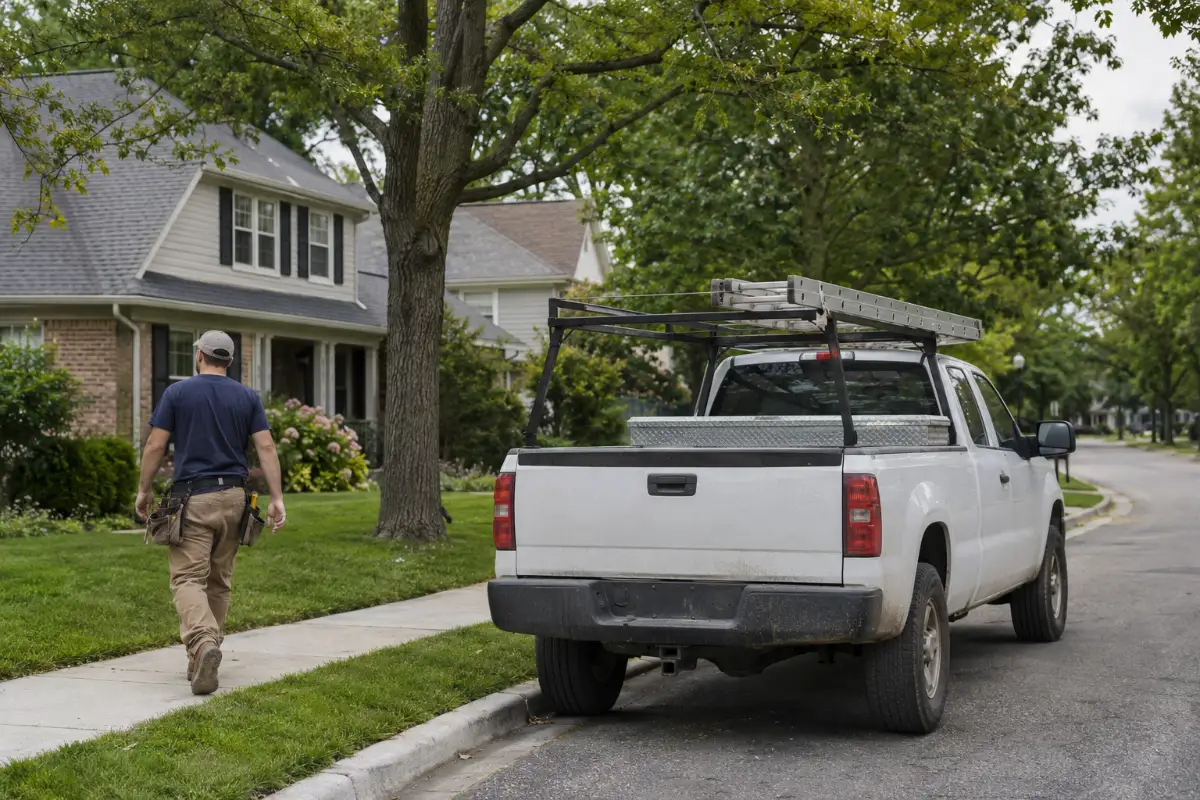
Most roofers work at the customer's home, not at an office customers visit. Google calls that a service-area business, and says: "If you're a service-area business, you should hide your business address from customers."
How to hide your address (Google's steps):
- Open your profile and choose Edit profile.
- Go to Location.
- Click Edit next to "Business location".
- Turn off "Show business address to customers".
- Click Save.
Google adds: "You should only choose to not show your address if your business is a service-area business."
Then add your service areas. Google's rules:
- "You can set up to 20 service areas based on the cities, postal codes, or other areas you serve."
- "You can't set your service area as a radius distance around your business."
- "The boundaries of your overall area shouldn't be more than about 2 hours of driving time from where your business is based."
- "Service-area businesses can only have one profile for the whole area that they serve."
- "If approved, service area edits may take up to 48 hours to show on your Business Profile."
If you skip this step, Google picks for you: "If you don't enter a service area, a local area is chosen for you."
Some roofing guides tell you to draw a large radius. Google says a service area cannot be a radius and should stay within about 2 hours' drive. Google also says "For some businesses, larger service areas may be appropriate," but a roofer who lists towns far outside the area they really serve is taking a risk for little gain.
If you have an office or showroom that receives customers, you can show the address and also add service areas. Google says your location "should be staffed by your team and able to receive customers during its stated hours." If nobody is there during those hours, hide it.
How do you verify a roofing profile?
Google decides how you verify. Its help page lists phone or text, email, video recording, live video call and mail (a postcard). Google says:
- "Verification methods are automatically determined by Google and can't be changed."
- "The verification options available to you depend on your business type, public info, region, or business hours."
- "In some cases, you may need to verify your business with more than one method."
- "If your business is eligible for video verification, we recommend that you use this option."
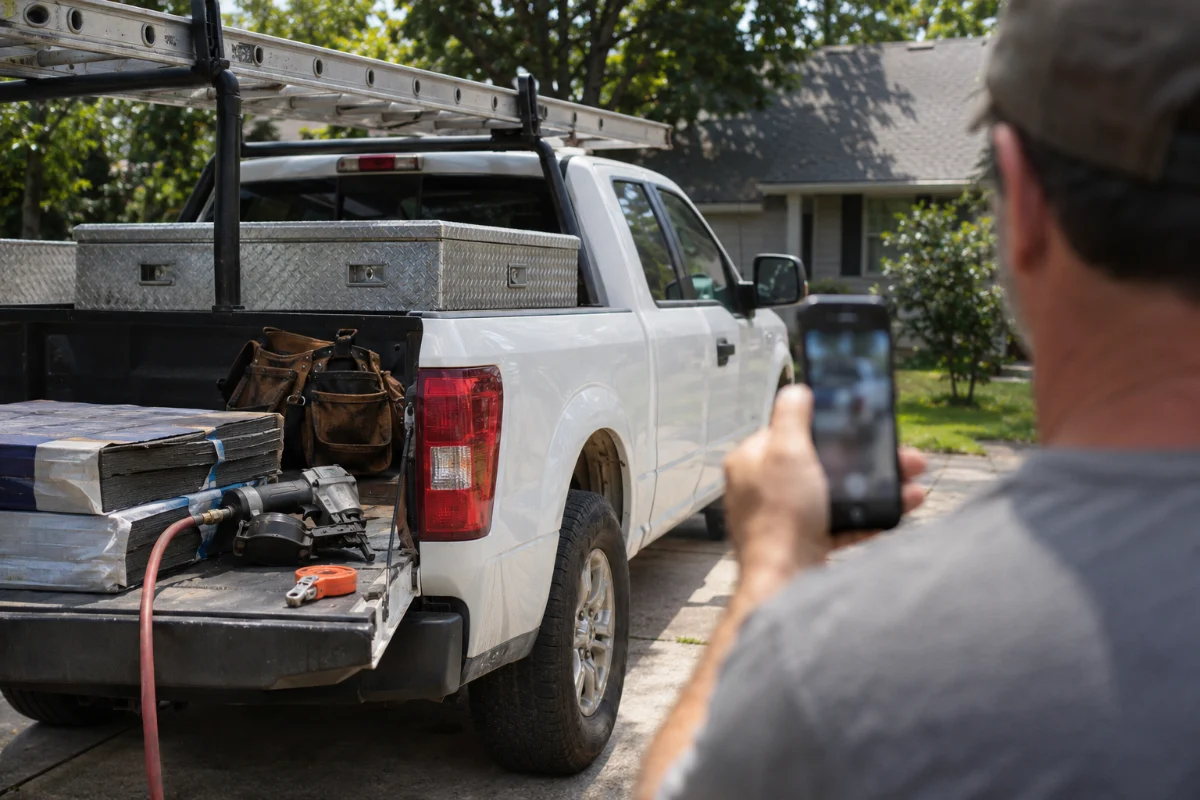
What a roofer can show on a verification video. Google's page does not list roofing items, so treat these as examples of what proves the business is real and that you run it: your branded truck or trailer with the business name, your tools, ladders and equipment, signage, your office if it is staffed, and something that shows you manage the business, such as business documents with the name on the profile.
Timing. For a postcard, Google says: "Most codes arrive within 14 days," and "Verification codes expire after 30 days." After you submit, Google says "verification reviews take up to 5 business days."
What gets roofing profiles suspended?
Google says: "We may suspend or disable Business Profiles that don't follow our guidelines." For roofers, these are the rules that come up most:
| Google rule | What roofers do wrong | What Google says |
|---|---|---|
| Real name only | Adding a city or service to the name ("… Roofing Dallas – Roof Repair") | "Including unnecessary information in your business name isn't permitted, and could result in the suspension of your Business Profile." |
| No virtual offices or remote mailboxes | Listing a mailbox store, P.O. box or rented virtual office as the address | "P.O. boxes or mailboxes located at remote locations aren't acceptable." Service-area businesses "can't list a "virtual" office unless that office is staffed during business hours." |
| Staffed location | Showing a storefront address where nobody works during business hours | Your location "should be staffed by your team and able to receive customers during its stated hours." |
| One profile per business | A second profile for each nearby city, or a new one for storm season | "There should only be one profile per business" and "Service-area businesses can only have one profile for the whole area that they serve." |
| Service area within reason | Listing towns far outside where you really work | Service area "shouldn't extend farther than about 2 hours of driving time from where your business is based." |
| Your own phone and website | Using a lead-seller's number or a link that sends callers somewhere else | "The phone number must be under the direct control of the business." Do not use numbers or URLs that "redirect or "refer" users to landing pages or phone numbers other than those of the actual business". |
| Real businesses only | Lead-generation agents making profiles for roofers they pass jobs to | Sales associates or lead-generation agents "aren't eligible for a Business Profile." |
| No keywords in the address | Adding "roof repair" or a website to the address line | "Do not include information in address lines that doesn't pertain to your business's physical location, like URLs or keywords." |
| No fake engagement | Paid, fake or swapped reviews | "Fake engagement is not allowed and will be removed." |
Storm-season crews. After a big hail or wind storm, some out-of-town crews list a local address they do not staff, or open a second profile for the storm area. Both break the rules above. If you travel for storm work, keep one profile for your real base and real service area. Our guide to Texas hail storm roofing marketing covers how to plan storm-season marketing without these shortcuts.
Google says it "reserves the right to suspend access to Business Profiles … to individuals or businesses that violate these guidelines".
What should you do if your roofing profile is suspended?
Stay calm and do not make a second profile. Google says: "Do not create a new Business Profile for the same business."
- Find and fix the cause first. Go through the table above: name, address, staffed location, duplicate profiles, service area, phone and website. Fix what breaks a rule before you appeal.
- Gather proof. Google lists optional evidence such as business registration, business license, tax certificates and utility bills, and says to "check that the business name and address match the profile".
- Appeal through Google's appeals tool (support.google.com/business/?p=manage_appeals). Google says: "Appeals can only be submitted once." Send your best case the first time.
- If your whole Google account is restricted, Google says "the Business Profiles you manage are suspended and you won't be able to create or claim other profiles." Appeal the account restriction first, at myaccount.google.com/restrictions.
- If the appeal is denied, Google says: "Only if your reinstatement request is denied, we may be able to do an additional review".
If your profile is suspended
- 1Find and fix the cause first
- 2Gather proof
- 3Appeal once through Google's appeals tool
- 4Account restricted? Appeal that first
- 5Appeal denied? Google may do an additional review
Google's page does not give a review time, so we do not either. Nobody can promise that Google will reinstate a profile. This is general guidance from Google's help pages, not legal advice.
If your Google Ads account is suspended or stuck in verification instead, see what to do when a Google Ads account is suspended.
Reviews: what matters for the profile
Reviews are part of prominence: Google names "how many reviews you have" as one of the signals it looks at. Ask every happy customer, reply to reviews, and never buy, swap or fake them; Google says "Fake engagement is not allowed and will be removed," and enforcement can "range from suspending the account privileges to account termination." Our guide to Google reviews for contractors covers when to ask, what is allowed and how to reply.
What should you do after the profile is live?
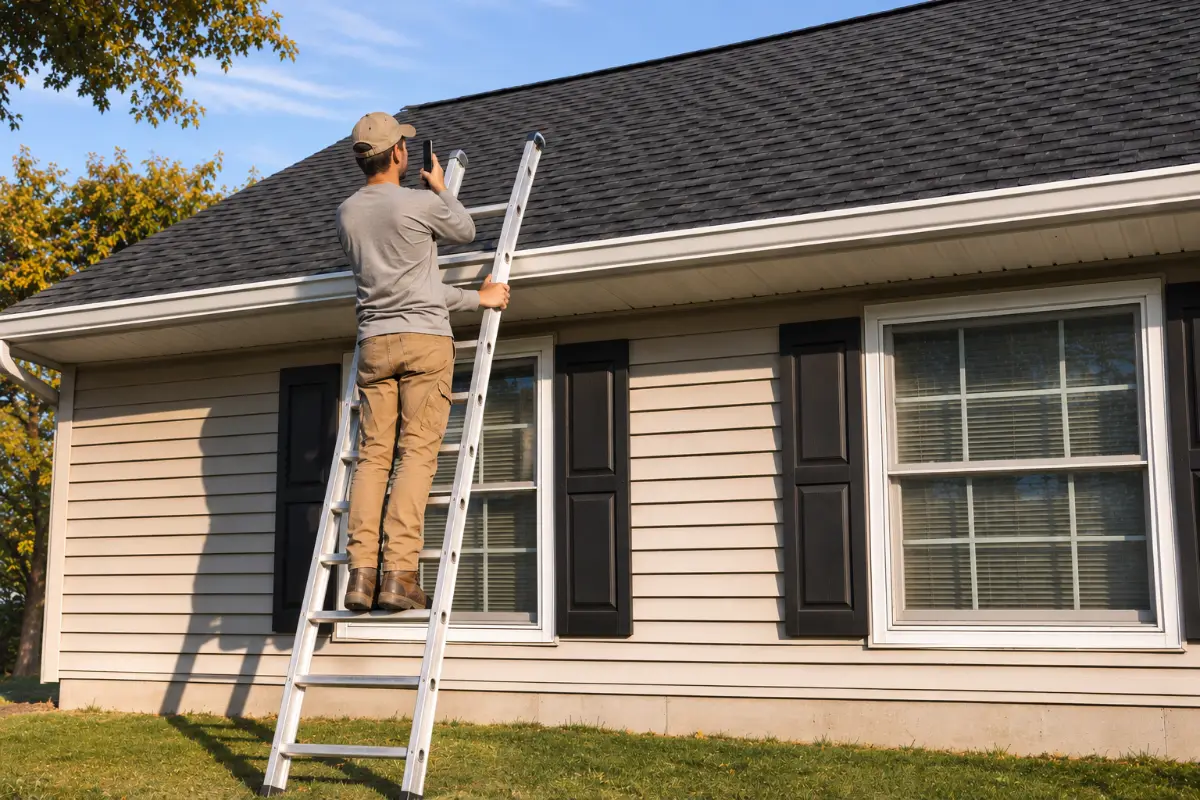
- Add photos of real jobs as you finish them: before and after, your crew, your trucks. Real work builds more trust than stock photos. Selling metal roofs? See which photos and reviews metal roof leads want to see.
- Keep Services current. Add a service when you start offering it; remove one you stopped.
- Answer questions homeowners ask on the profile. Posts are optional.
- Local Services Ads need a verified profile. If you plan to run them, see our guide to Local Services Ads for roofers.
- Add search ads when you want more volume. Our guide to Google Ads for roofers covers the next step.
- Track the profile as a lead source. Count the calls and form requests that come from it and the roofs you sign from them. Our guide to cost per signed job shows how to compare it with your other sources, and roofing leads compares the main ways roofers get jobs.
Also run a remodeling showroom? Our Business Profile guide for remodelers covers the showroom address and categories. Run a tree company too? See Google Business Profile for tree services.
Digital Hark builds growth systems for roofers and other home-service contractors: ads in your own accounts, ad videos and images, landing pages, tracking, fast replies (texts only with consent) and a CRM with a follow-up plan. We never call your leads or sell jobs for you; your team does that. You own every ad account, page and lead. More on our roofing marketing page.
Monthly check for your roofing profile
- Business name still matches your signs and paperwork, with no added words
- Primary category still "Roofing contractor"; extra categories only for work you really sell
- Service areas still match where you work (no more than 20, no radius)
- Address hidden if customers do not visit you
- Hours correct, including holidays
- Phone number is your own and rings your team
- Website link works and goes to your own site
- New photos of real jobs added this month
- Services list up to date
- New reviews answered
- No duplicate profile for your business in Google Maps
Common questions
Should a roofer show their address on Google?+
Only if customers come to that address and it is staffed during your listed hours. Most roofers work at the customer's home, and Google says a service-area business "should hide your business address from customers." Hide it and add your service areas instead. Thinking of ads on Google Maps? See whether a business with a hidden address can use them.
What is the best Google Business Profile category for roofers?+
For most roofing companies the primary category is "Roofing contractor". Add a second category, such as "Gutter service" or "Siding contractor", only if you really sell that work. Put roof repair, replacement and inspections in Services. Google says to use "as few categories as possible".
Can a roofer have more than one Google Business Profile?+
Not for the same business in the same area. Google says "There should only be one profile per business" and service-area businesses "can only have one profile for the whole area that they serve." A second, real, staffed office can have its own profile; a profile per nearby city cannot.
How far can a roofer's service area go?+
Google says your overall service area shouldn't be "more than about 2 hours of driving time from where your business is based." You can add up to 20 cities, postal codes or areas, but you cannot set a radius around your business.
Why was my roofing Google Business Profile suspended?+
Common causes are extra words in the name, a virtual office or mailbox address, a storefront nobody staffs, more than one profile, a phone number the business does not control, or fake reviews. Fix the cause, gather proof, do not make a new profile, and appeal once through Google's appeals tool.
How long does Google Business Profile verification take?+
It depends on the method Google gives you. For a postcard, Google says "Most codes arrive within 14 days," and codes expire after 30 days. After you submit, Google says verification reviews "take up to 5 business days."


