
Guide · Local
Google Business Profile for remodelers: showroom, categories and photos
For remodeling company owners: whether your showroom belongs on Google, which category fits, what name a dealer may use and which project photos follow Google's rules. Every rule is quoted from Google's help pages.
The short answer
In a remodeler's Google Business Profile, everything starts with the showroom: show the address only for your own staffed showroom or office with a permanent sign; a supplier's showroom or model home does not count. A dealer uses its own name, not the brand it installs, unless it is a franchisee-type seller. List kitchens, baths and additions as Services.
Key takeaways
- Show a showroom only if it is staffed during your listed hours and has a permanent sign with your name.
- A supplier's showroom, a model home, a virtual office or a P.O. box is not your address on Google.
- One profile covers your whole area: up to 20 cities or ZIP codes, never a radius.
- Your job mix picks the category; kitchens, baths and additions go in Services.
- A dealer uses its own name, not the brand it installs, unless it is a franchisee-type seller.
Want us to find your three biggest lead leaks?
Free Growth DiagnosisWhy do homeowners check a remodeling company's Google Business Profile for weeks before they call?
Homeowners rarely hire the first remodeler they find. They come back to the same few names for weeks or months, and your profile is where they check your project photos, reviews and services each time. Our guide to remodeling leads covers how long that decision takes. A homeowner who rings you from the profile is a lead you did not buy, and no lead site sold that same request to three other remodelers.
Google weighs local results on relevance, distance and prominence, and its help page states: "There's no way to request or pay for a better local ranking on Google." What you control is a profile that follows Google's rules and shows real work. For where it sits in a full plan, see digital marketing for contractors.
Design center, supplier's showroom or home office: which address can go on Google?
A design center, an office above the shop and a supplier's showroom are three different cases on Google. A business with a place customers visit that also works at their homes is a hybrid: "Some businesses, like auto repair shops that have a garage for repairs and offer roadside service, are hybrid service-area businesses." These businesses "can show their storefront address and designate a service area on their Business Profile." Two conditions apply. The location "should be staffed by your team and able to receive customers during its stated hours," and "Businesses showing their address on Google should maintain permanent fixed signage of their business name at the address."
| Your situation | Set-up on Google | Google's line |
|---|---|---|
| Your own showroom or design center, staffed during listed hours, permanent sign with your name | Hybrid: show the address and add service areas | The hybrid, staffed and signage lines above |
| An office, shop or home base homeowners never visit | Hide the address, add service areas | "If your business doesn't have a storefront with clear signage but travels to customers at their physical locations, you're allowed one service-area Business Profile." |
| A supplier's or dealer's showroom where you meet clients | Not your address | Not eligible: "An ongoing service, class, or meeting at a location that you don't own or have the authority to represent." |
| A model home | Not eligible | Not-eligible list: "Rental or for-sale properties such as vacation homes, model homes, or vacant apartments." |
| A sales office customers visit | Eligible | "Sales or leasing offices, however, are eligible for verification." |
| A virtual office, co-working desk or P.O. box | Not eligible (co-working only with sign, staff and walk-in customers) | A virtual office "isn't eligible for a Business Profile." Co-working only if the office "maintains clear signage, receives customers at the location during business hours, and is staffed during business hours by your business staff." "P.O. boxes or mailboxes located at remote locations aren't acceptable." |
Four questions for your showroom (ours, built on Google's lines): Is the space yours? Is your team there during every hour you list? Is your name on a permanent sign? Do homeowners really walk in? Four yeses mean the hybrid set-up fits; any no means hide the address. Underneath sits Google's basic test: "To qualify for a Business Profile, a business must make in-person contact with customers during its stated hours."
Four questions for your showroom
- Is the space yours?
- Is your team there during every hour you list?
- Is your name on a permanent sign?
- Do homeowners really walk in?
Appointment-only showroom? The Google pages we read have no rule for it, so ask yourself: can a customer meet your team there during the hours you list? If the honest answer is "now and then", hide the address.
To hide it, go to Edit profile, then Location, and turn off "Show business address to customers". Google says to do so only "if your business is a service-area business." If your ads offer a showroom visit, as some in our guide to Facebook ads for remodelers do, the profile should show that same staffed address.
Can you have a second profile for another showroom or town?
Only for a second real location: another showroom or office with its own staff, sign and hours. Never one per town. Google says "There should only be one profile per business," "Do not create more than one page for each location of your business," and "Service-area businesses can only have one profile for the whole area that they serve."
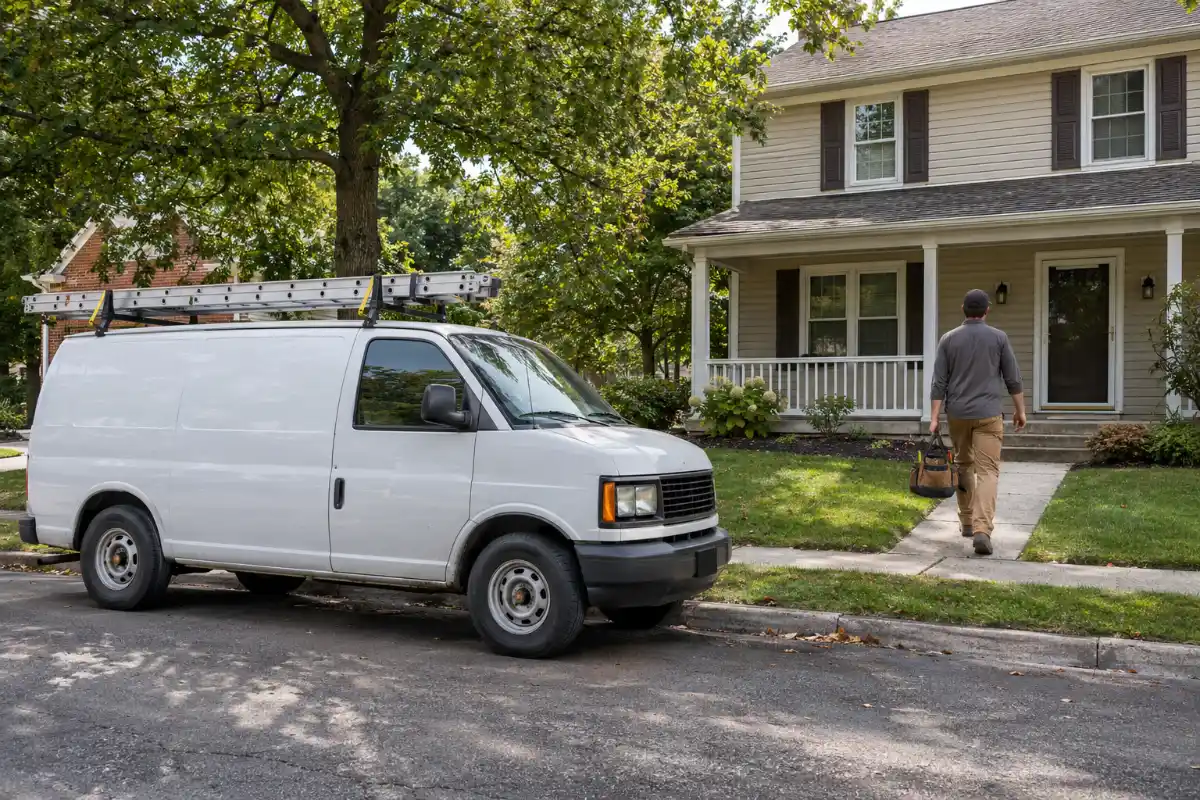
Towns go into service areas. Google's limits:
- "You can set up to 20 service areas based on the cities, postal codes, or other areas you serve."
- "You can't set your service area as a radius distance around your business."
- "The boundaries of your overall area shouldn't be more than about 2 hours of driving time from where your business is based."
For example, a made-up company, Larkfield Remodeling, has one staffed design center. Its crews work in 11 suburbs and 9 ZIP codes inside the nearest city, so its single profile lists 20 service areas, and the farthest job site is about 70 minutes from the design center. A second staffed showroom 50 miles away, with its own sign and hours, could have its own profile; a town where Larkfield finished three kitchens could not. Worked numbers in this guide show the method; they are not real client results.
Remodeler, kitchen remodeler or general contractor: how do you pick the category?
Google's own test settles most of the debate: "Select categories that complete the statement: "This business IS a" rather than "this business HAS a."" A company doing mostly kitchens IS a kitchen remodeler. A full-service remodeler that HAS a kitchen design team is still a remodeler.
Google does not publish its category list. Most remodeling companies choose between a remodeler-type category, a kitchen or bathroom remodeler category and a general contractor category. Names you are likely to see are "Remodeler", "Kitchen remodeler", "Bathroom remodeler" and "General contractor"; check the exact name in Google's category picker.
Your job mix decides, not the searches you want. For example, a made-up company signed 30 jobs last year: 12 kitchens, 9 baths, 5 basements and 4 additions. Kitchens were 40%, so no single specialty is the business: a remodeler-type category fits as primary. If 25 of 30 jobs were bathrooms, the company IS a bathroom remodeler. One running mostly large multi-trade projects may fit a general contractor category best.
Google's other category lines:
- "Use as few categories as possible to describe your overall core business from the provided list."
- "Choose categories that are as specific as possible, but representative of your main business."
- "Do not use categories solely as keywords or to describe attributes of your business."
- "The categories you select affect your local ranking on Google."
- "If you add or edit an existing category, you might be asked to verify your business again."
Some guides suggest "luxury" or "affordable" versions of a trade as categories, but "You can't create your own category." A retail-store type of category fits only if customers really come in and buy. If an independent design firm works inside your showroom, Google says: "If your business contains another business that your organization doesn't own and operate, only use categories that represent your business."
Kitchens, baths and additions go in Services. Google says "Do not select a category for every product or service." Services can come from Google's suggestions or be custom. List only what you offer, for example: kitchen remodel, bathroom remodel, tub-to-shower conversion, basement finishing, room additions, aging-in-place updates, cabinet refacing, whole-home renovation. No prices: Google says "Custom services that violate policy will be automatically rejected" and lists "prices, or phone numbers" among things to avoid in custom service names.
Can a dealer or franchise remodeler put the brand in its name?
The profile carries your real-world business name, with no city, service words or slogan added; the full name rules are in our roofers guide and apply here too.
The remodeler case is the brand you install: cabinets, bath and shower systems, windows. Google says: "If your business sells another business brand's product(s) or service(s), use only the name of the business, excluding the name of the brand being sold, which can't have a Business Profile for this location." The exception: "However, if the business is an authorized and fully dedicated seller of the branded product or service, sometimes known as a "franchisee", you may use the underlying brand name when you create the Business Profile."
For example, the made-up Larkfield Remodeling installs one bath-system brand among others. Its profile name is "Larkfield Remodeling", not "Larkfield Remodeling – [Brand] Bath Dealer". A franchisee working only under the franchise brand could use that brand name.
Two brands in one showroom? Google says "do not combine the brand names into a single Business Profile," and "If the brands operate independently, you may use a separate profile for each brand at this location." Franchise agreements can add their own naming terms; this guide covers Google's rules only and is not legal advice.
What project photos should a remodeler upload?
Google's technical rules for photos and videos:
- "Format: JPG or PNG." · "Size: Between 10 KB and 5 MB." · "Recommended resolution: 720 px tall, 720 px wide."
- "The photo should be in focus and well lit, and have no significant alterations or excessive use of filters." In Google's words: "the image should represent reality."
- Video: "Up to 30 seconds long".
- "Your photos and videos show up on Google only after you verify your Business Profile," and it "can take up to 24–48 hours".
Pick the cover with care: if it "is low-quality or if other sources suggest that it's not the best photo to represent your business, a user-submitted photo may be selected instead." You are also "responsible for your posted imagery to comply with all applicable laws and regulations."
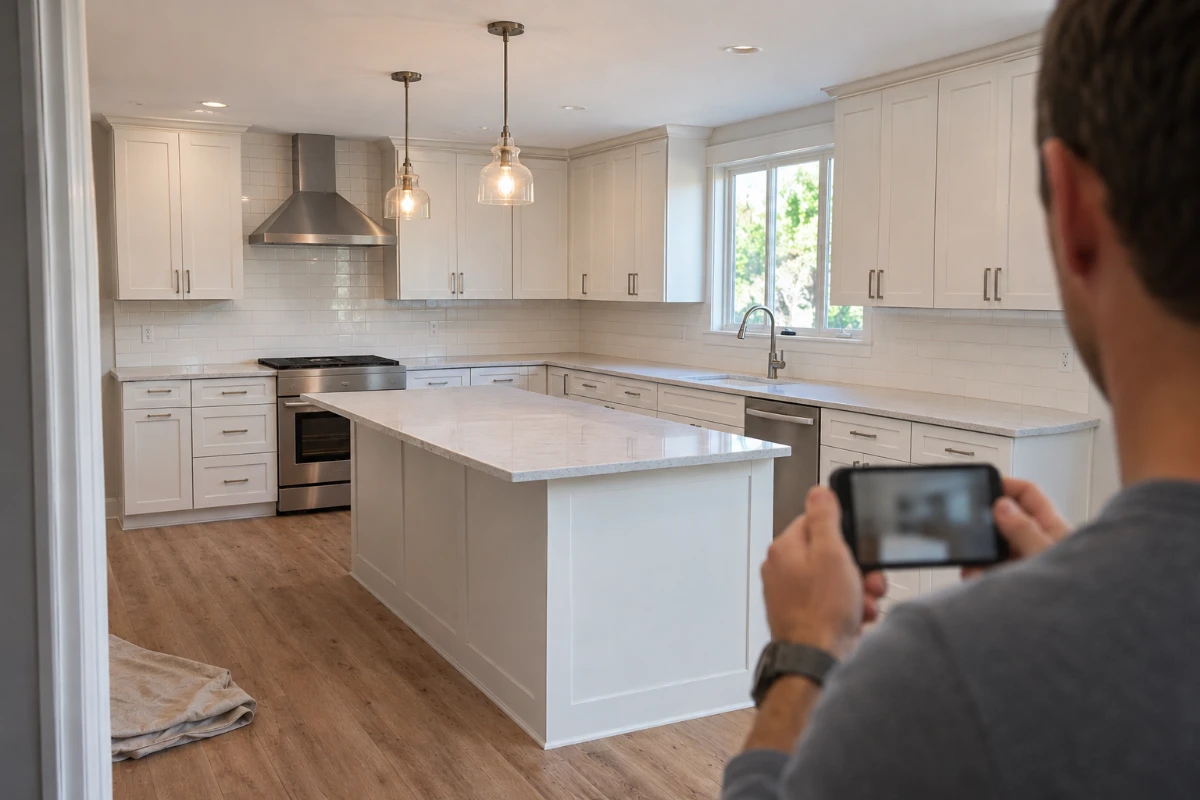
Our advice for remodelers (not Google rules):
- Before-and-after pairs from the same spot and angle.
- In-progress shots: demolition, framing, tile, cabinets going in. They show how your crew works inside a home.
- Renderings and showroom displays shown for what they are. A 3D rendering or display kitchen is not a finished client home; where you add text, such as a post, say so.
- Permission first. Ask the homeowner before posting their home, and keep house numbers, family photos and faces out of the frame.
- Add photos as each job finishes. Google sets no photo count.
Verification and suspensions: the short version
Verification. You do not pick the method: "Verification methods are automatically determined by Google and can't be changed." If video is offered, Google says "we recommend that you use this option." A remodeler's video might show your showroom sign and display area if you are hybrid, a vehicle with your name, your tools and project files under your business name; these are examples, not a Google list. Methods and timing are in the verification walkthrough in our roofers guide.
Suspension. If Google suspends the profile, do not start over; Google says: "Do not create a new Business Profile for the same business." Find what breaks a rule, often a showroom address nobody staffs, a brand or city in the name, or a second profile for a nearby town, and fix it before you appeal. Google says "Appeals can only be submitted once," so make the first appeal complete. The full appeal steps are in our roofers guide, and nobody can promise Google will reinstate a profile.
After a suspension
- 1Do not create a new Business Profile for the same business
- 2Find what breaks a rule
- 3Fix it before you appeal
- 4Make the first appeal complete
Who should own the profile, and why ask for reviews at the final walkthrough?
Ownership. Keep the profile in a Google account the owner controls. Google says: "Only business owners or authorized representatives may verify and manage their business information on a Business Profile," and "If you wish to share management access to your Business Profile with others, you can add a manager." Representatives must "always transfer Business Profile ownership to the business owner immediately upon request." So an office manager, web designer or marketer gets manager access; the owner stays the owner.
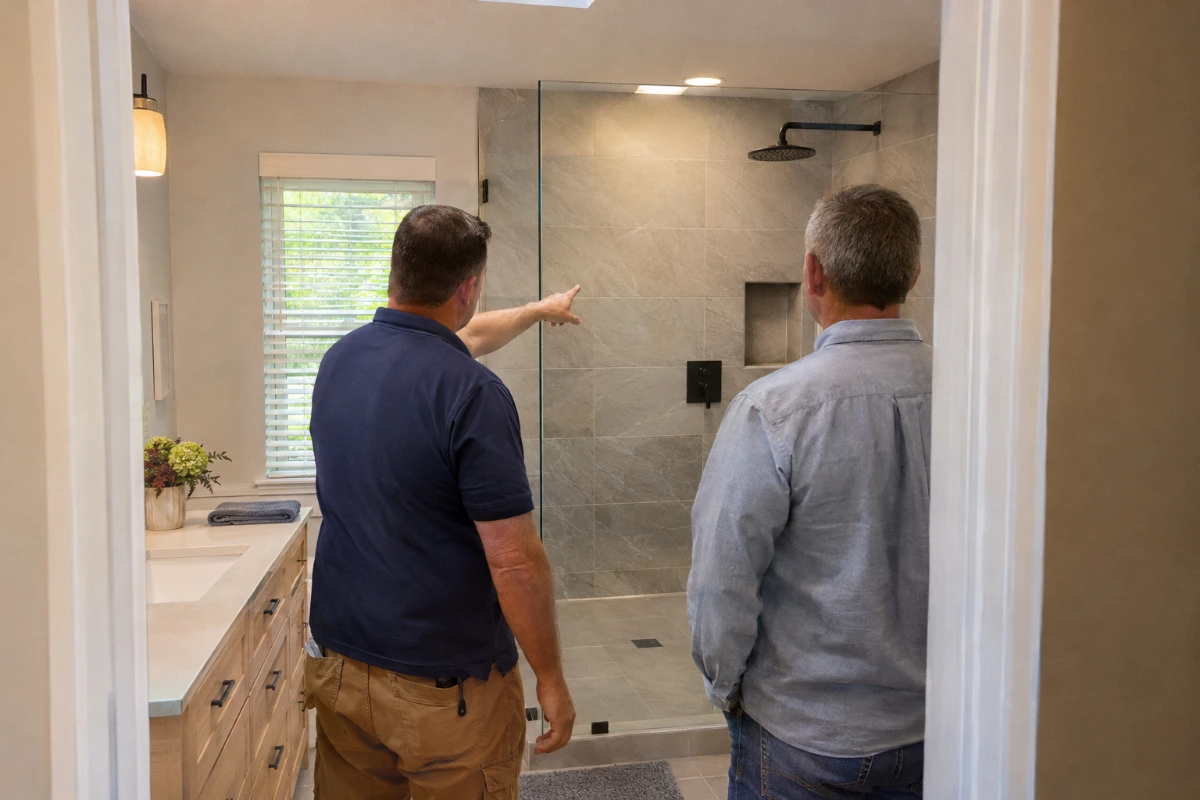
Reviews. Google counts reviews as part of prominence. For a remodeler, the best moment to ask is a real milestone such as the final walkthrough, with the finished room in front of the client. Never pay for a review or offer anything in return. Our guide to Google reviews for contractors covers how to ask and what Google allows.
What comes next once homeowners can find you?
- Posts are optional: finished projects, or a showroom event if the showroom is staffed. "Posts older than 6 months are archived unless a date range is set."
- Search ads add volume once the profile is in order: see Google Ads for remodelers.
- Count the profile as a lead source: calls from it and the jobs they became. Cost per signed job shows how to compare it with other sources.
- Change the profile when real life changes: new showroom hours, a new service, a new sign.
For remodeling companies, Digital Hark sets up Google and Meta ads in the client's own accounts, landing pages, ad videos and images, call and form tracking, quick replies (texts only with consent) and a CRM follow-up plan. Your team calls the homeowners and signs the jobs; we do not phone your leads or sell jobs for you. Every ad account, page and lead stays yours. See how we work with remodelers.
Common questions
When should a remodeler list its showroom address on Google?+
Only when the showroom is yours, your team is there during the hours you list, a permanent sign shows your name and homeowners really come in. Google calls that a hybrid business: it shows the address and also sets service areas. Otherwise, hide the address. Running ads on Google Maps from a showroom? See how Maps ads use your linked profile.
Can a remodeling company get a Google Business Profile without a showroom?+
Yes. Google says a business that travels to customers and has no storefront with clear signage is "allowed one service-area Business Profile." Hide the address and add up to 20 cities or ZIP codes. A virtual office or P.O. box does not count as a showroom.
Remodeler or general contractor: which main category fits?+
Use Google's "IS a, not HAS a" test and your real job mix. A company spread across kitchens, baths and basements usually fits a remodeler-type category; one running mostly large multi-trade projects may fit a general contractor category. Check the exact name in Google's picker.
Are kitchen and bathroom remodeling categories or services?+
For most remodelers, services. Google says not to "select a category for every product or service." Choose a kitchen or bathroom remodeler category as primary only if that work is most of what you sell; list each project type in Services, without prices.
Can a cabinet or bath dealer use the brand's name on its profile?+
Usually not. Google says a business that sells another brand's products should "use only the name of the business." The exception is an "authorized and fully dedicated seller", such as a franchisee, which may use the brand name. Marketing refacing and countertop jobs beyond your profile? See how to give each cabinet job its own ads and page.
Can a remodeler use a supplier's showroom or a model home as its Google address?+
No. Google's not-eligible list covers "An ongoing service, class, or meeting at a location that you don't own or have the authority to represent" and "Rental or for-sale properties such as vacation homes, model homes, or vacant apartments." Use your own staffed showroom, or hide the address and list service areas.


